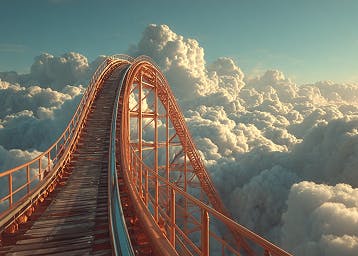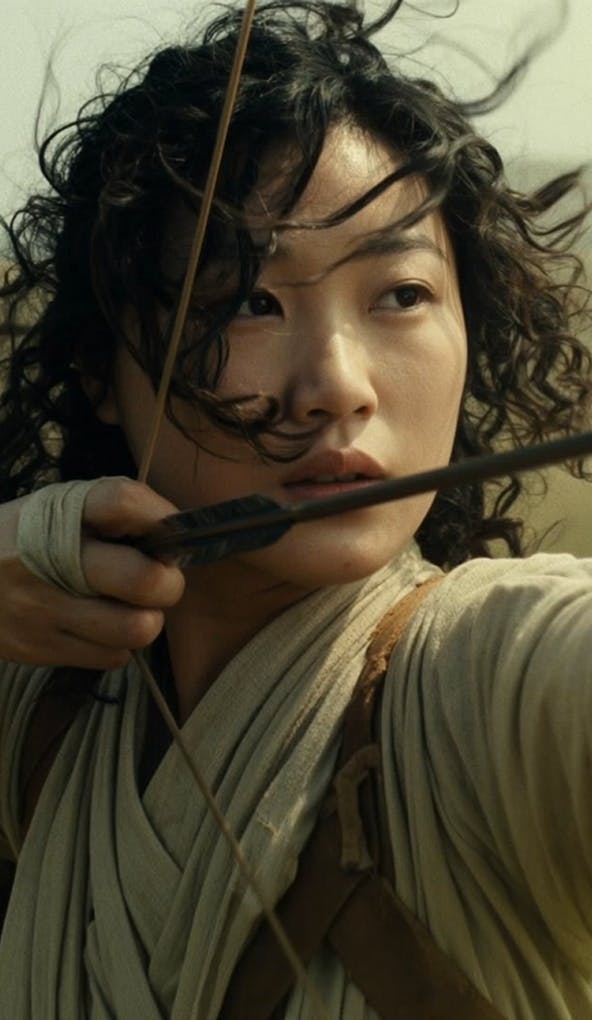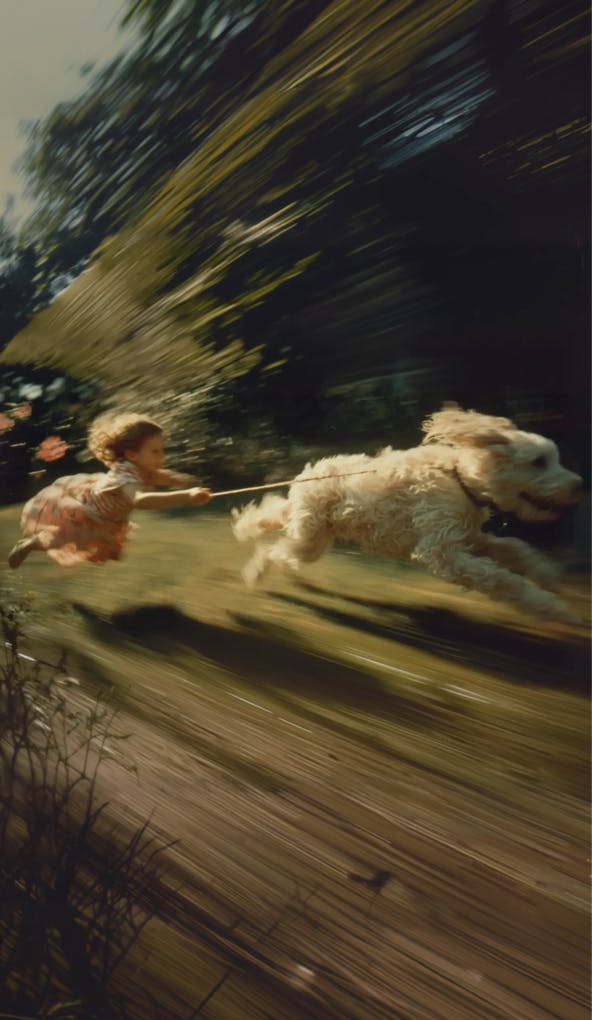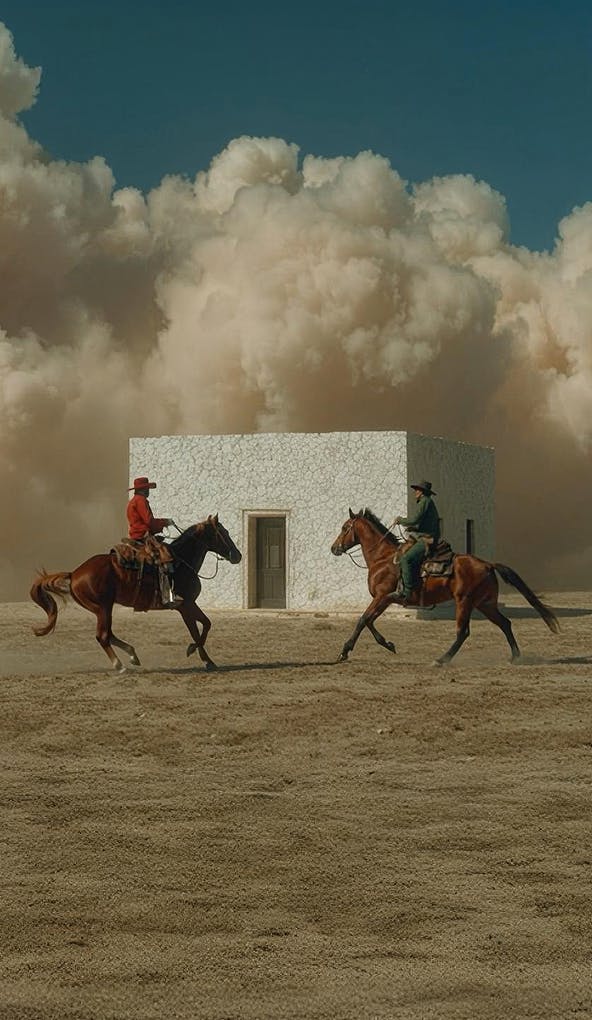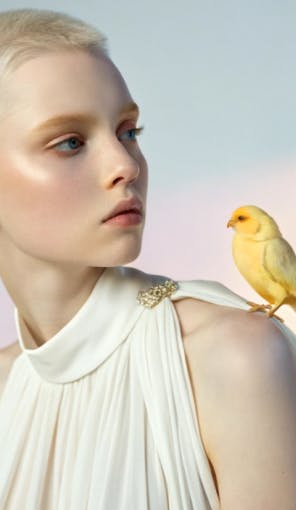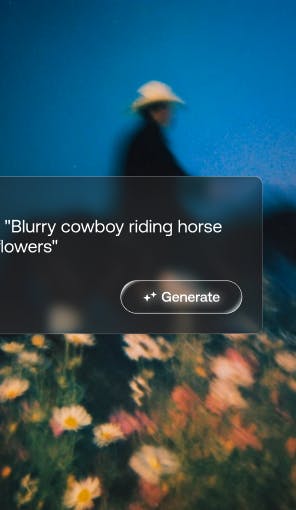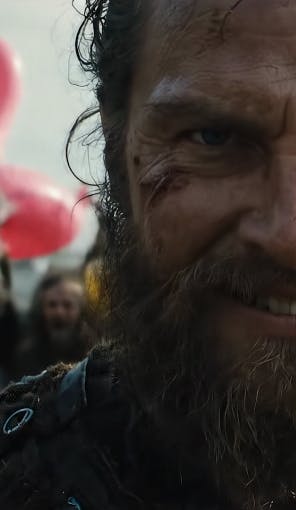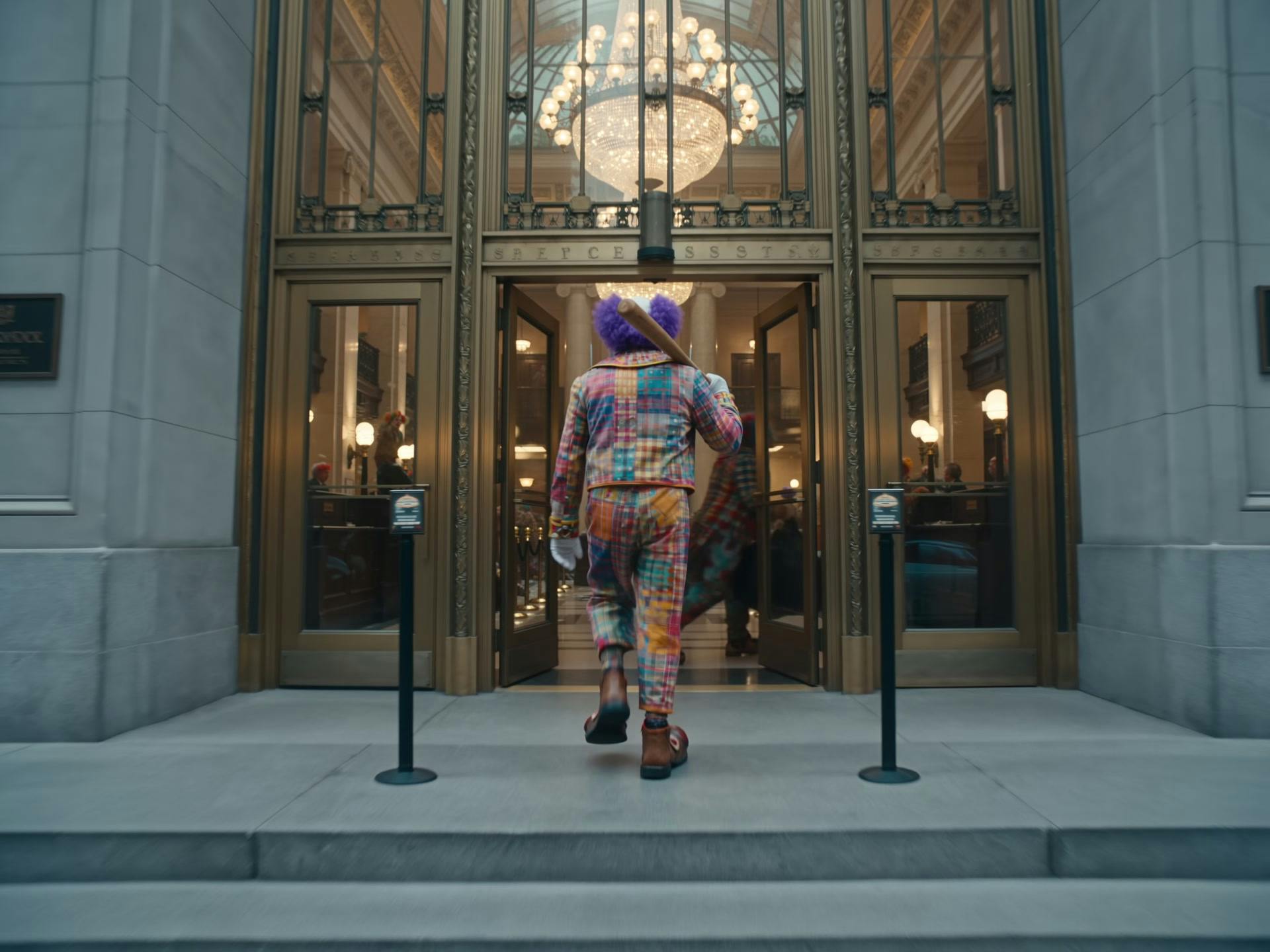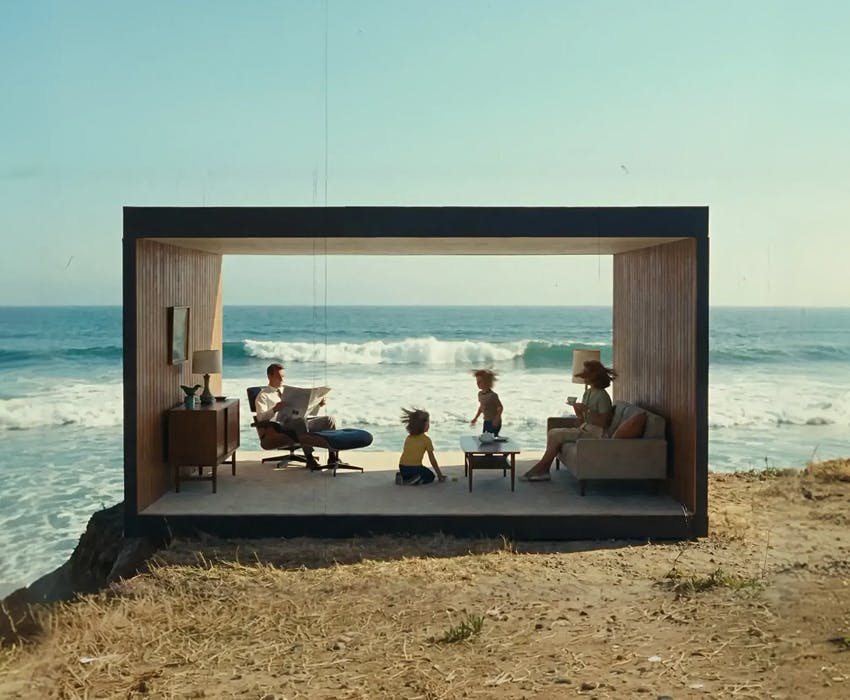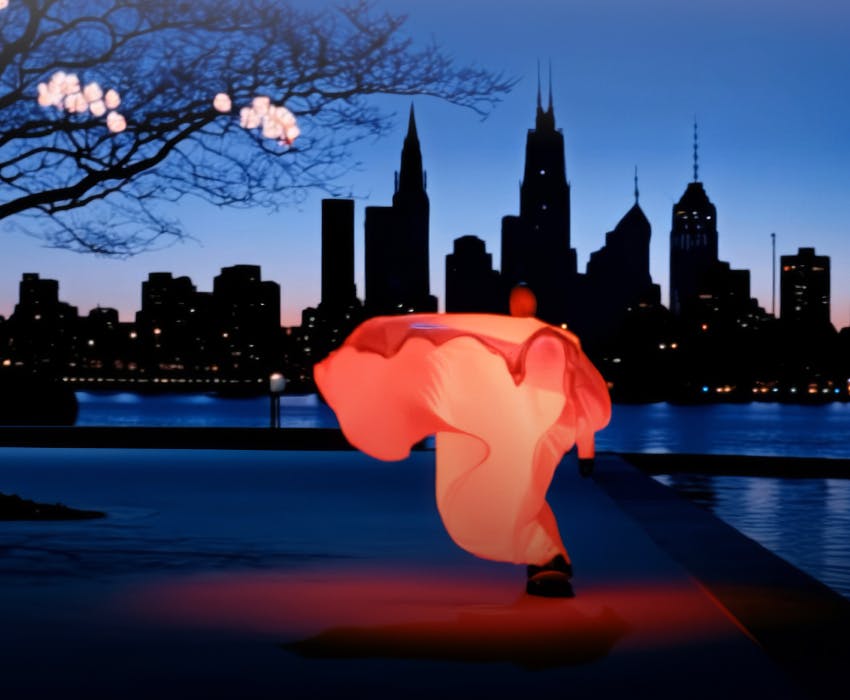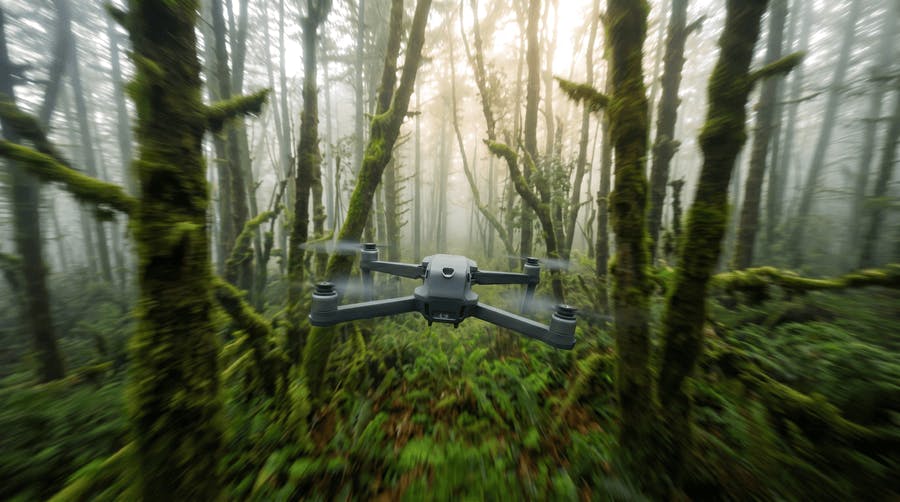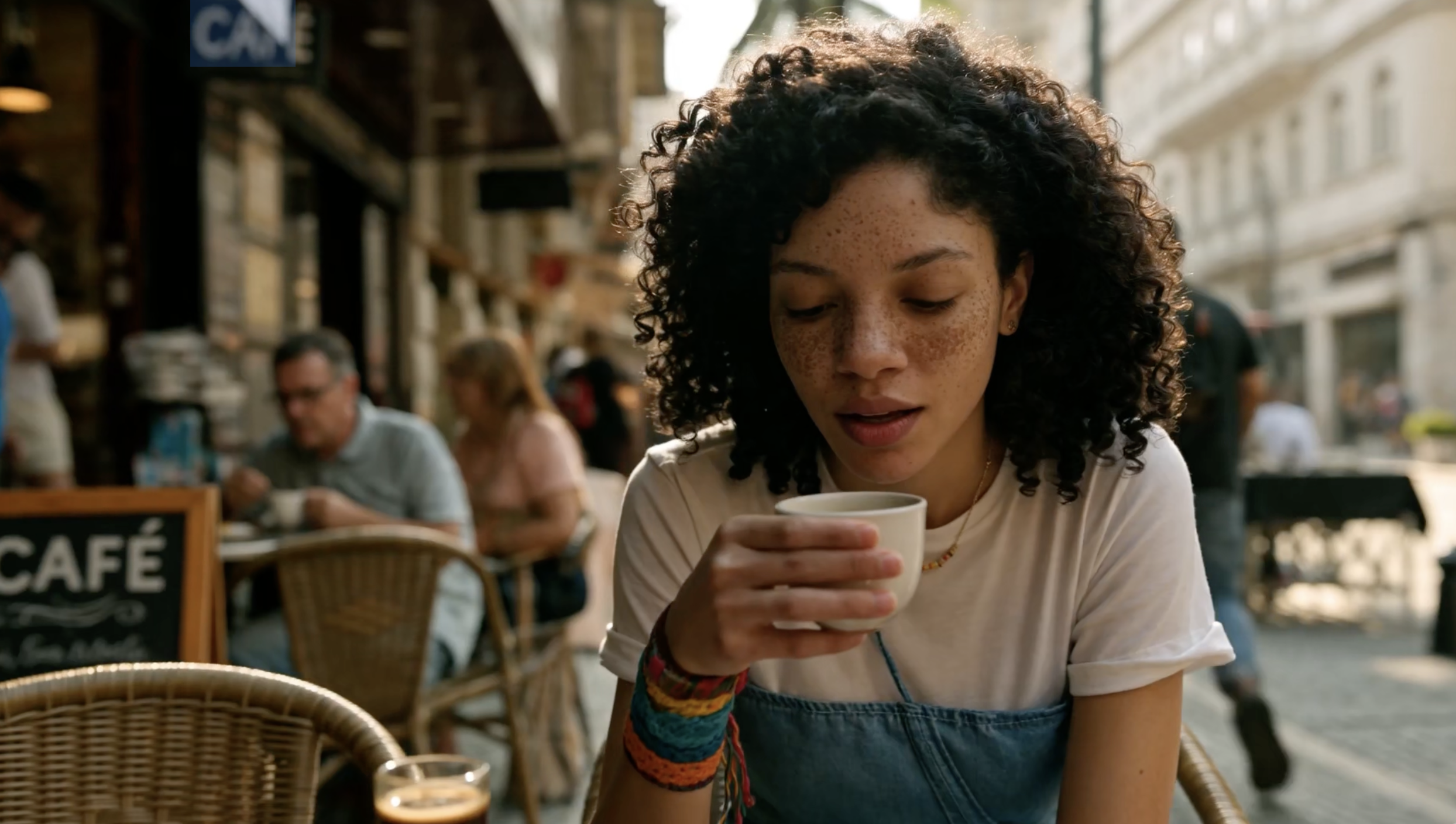
Storytellers and filmmakers
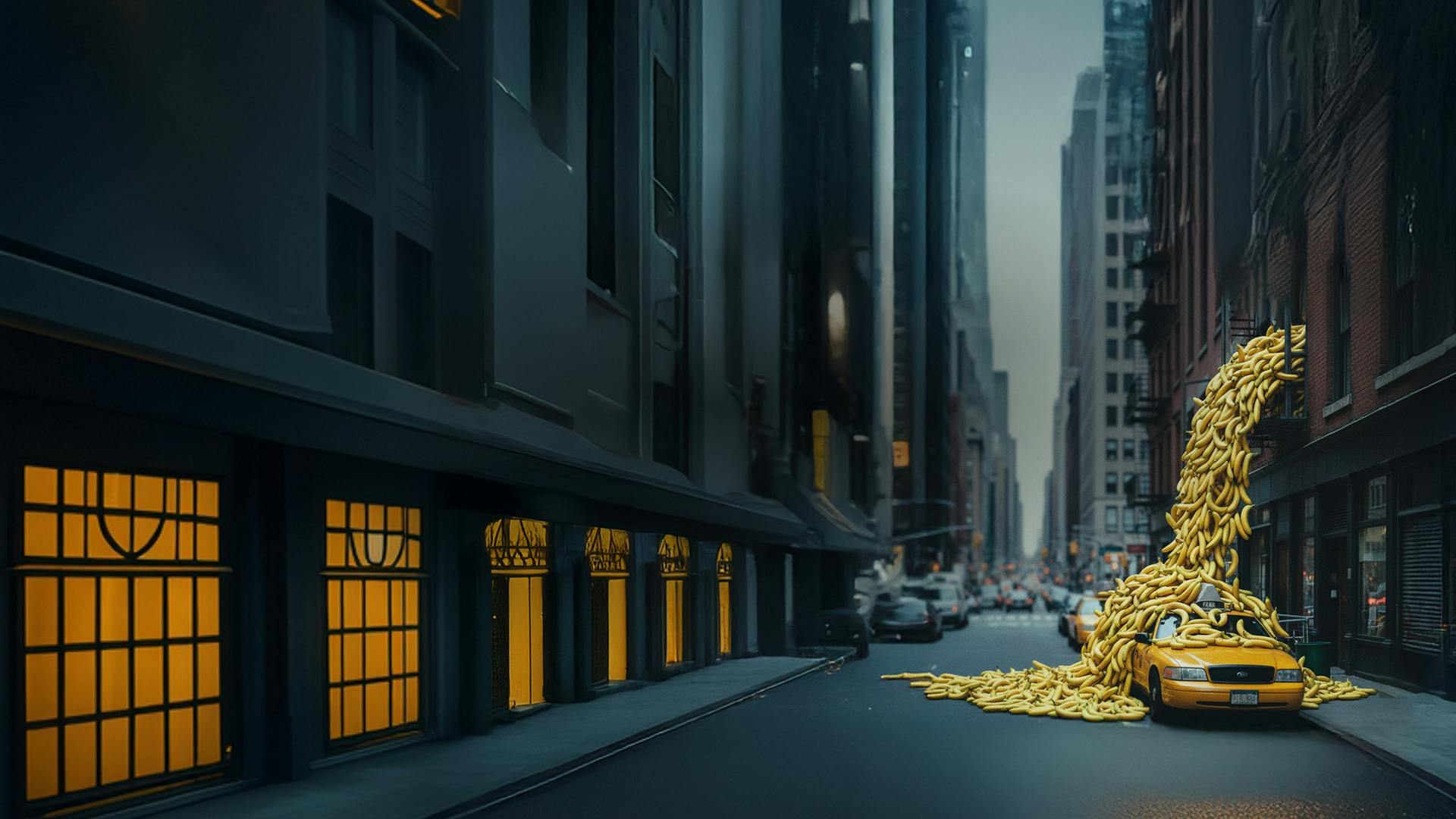
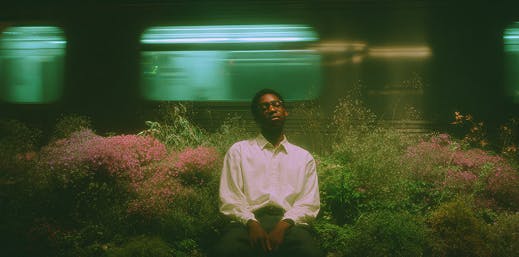
Generate concept frames, storyboards, and early visual directions fast. Veo 3.1 helps you test scenes, pacing, and camera ideas before you step into production.
Create cinema-quality videos from text prompts or images with Google's state-of-the-art Veo 3.1 AI video model. Now with 4K resolution support, built-in audio, and advanced scene control — designed for storytellers, creators, and brands.
Google DeepMind's Veo 3.1 delivers cinematic AI video with director-level prompt control, frame-accurate transitions, and native audio — built for professional creative workflows.
Write prompts like you're directing a scene. The Veo 3.1 model understands cinematic terms like "time-lapse," "over-the-shoulder," "dolly zoom," and more — delivering visually rich, coherent results with strong scene understanding.
Get more control over every sequence — set the tone of how your videos start and end for smoother transitions that look professional.
Use Veo 3.1 to create concept clips for ads, music videos, and short films. Build quick storyboards, explore styles, and test ideas in minutes — not days.
Produce dynamic videos with native audio — from ambient sounds to character voices and dialogue, all perfectly synced to your visuals.
Click Start creating to open the video studio with Veo 3.1 selected. Enter a prompt or upload your media, review the settings, and generate your video.
Click Start creating to open the video studio with Veo 3.1 selected. Enter a prompt or upload your media, review the settings, and generate your video.
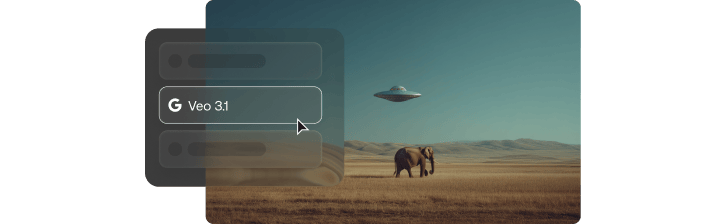
Veo 3.1 AI video generator helps creators across industries to test ideas, pitch concepts, and make professional-quality videos faster.
Generate concept frames, storyboards, and early visual directions fast. Veo 3.1 helps you test scenes, pacing, and camera ideas before you step into production.
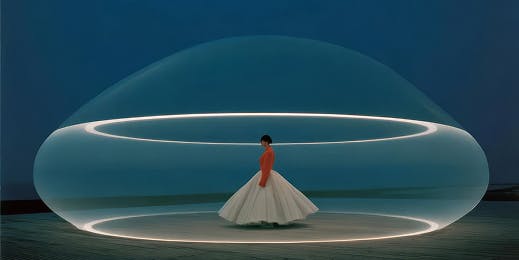
Create cinematic intros, themed clips, and quick visual ideas in minutes. Experiment with different styles and creative directions without needing a camera crew.
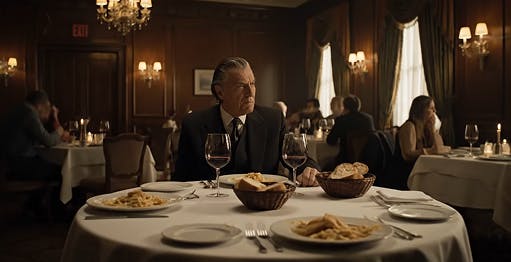
Get professional, studio-quality videos for campaigns, ads, and social content. Use Veo 3.1 to explore multiple creative directions, pitch ideas, and shape visual themes quickly.
Write a text prompt or add images, and Veo 3.1 brings your creative vision to life.
See why Google's DeepMind Veo 3.1 is one of the most advanced AI video generators available today.
Get built-in sound directly from your prompt, including ambience, dialogue, and music — synced automatically to the video. No editing tools or plug-ins required.
Describe the shot the way you imagine it, and Veo 3.1 follows your instructions closely. The model handles complex cinematic language, camera moves, and environmental details with high accuracy.
Veo 3.1 AI simulates real-world physics with motion, fluid dynamics, lighting behavior, and object interaction. Movements feel grounded and believable, enhancing realism in every output.
Produce crisp, production-ready visuals in 720p, 1080p, or 4K resolution, suitable for everything from social content to cinematic projects.
Keep characters consistent from clip to clip. Veo 3.1 AI aligns lip movements with dialogue, maintains facial structure and expressions, and preserves identity — essential for narrative or character-driven content.
Create a single cohesive video using up to 3 reference images. Blend characters, environments, or styles into one generated scene.
Seamlessly extend existing clips by up to 7 seconds while preserving motion, style, and context. Ideal for continuing scenes or refining timing without regenerating from scratch.
Get practical tips and guides to help you unlock your creative potential with Veo 3.1.
Direct video scenes with image, video and audio references.
Bring your stories to life with cinematic motion and creative control.
Build cinematic sequences from text and images, with native audio.
Guide video creation with multimodal references and prompts.
Explore expressive motion and cinematic video storytelling.
Bring visual ideas to life with text and image guided video.
Explore stable motion, Omni references and native generation up to 30 seconds.
Create and edit detailed images with expressive, readable typography.
Turn ideas into images and explore new looks with image editing.
Refine your visuals with detailed image generation and editing.
Explore fast image creation and editing for everyday ideas.
Explore creative compositions, visual styles and image editing.
Still have questions? We're here to help.