Content creators and marketers
Ship 30-second social spots, product demos, and campaign cuts with consistent subjects, branded palettes, and synced voiceover in one generation.
ByteDance's newest video model is here. Generate up to 30 seconds in one pass, direct it with 50 image, video, and audio references, and get dialogue, music, and effects locked to the timeline.
Longer clips, deeper reference control, and sound that arrives finished. Here is what changes when you generate scenes with more control.

Thirty seconds means you can craft a narrative that actually tells a story. Your character holds across the scene, the light holds, and nothing drifts at the seams.
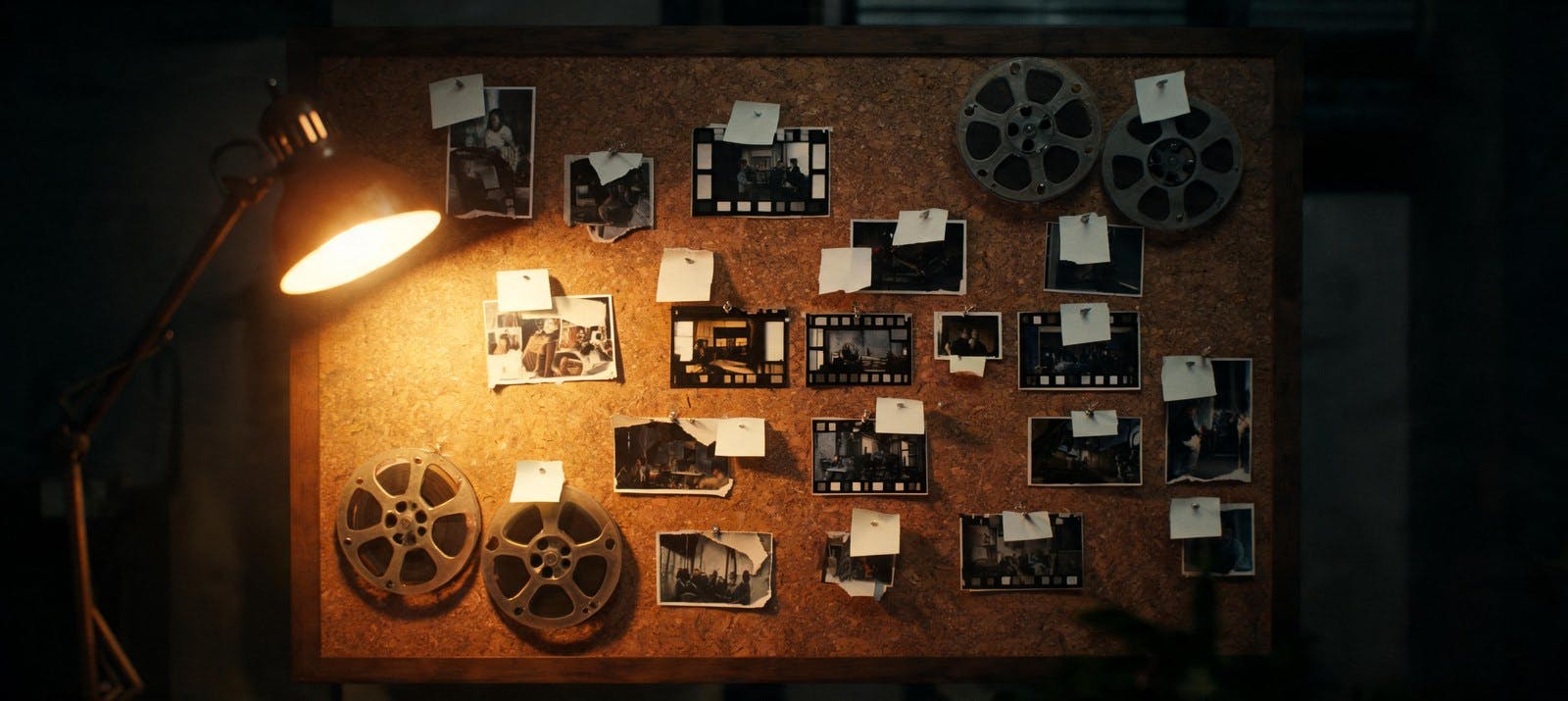
With 30 images, 10 clips, and 10 audio files in one generation, label each in the prompt and the model reads it as a brief: this face, that palette, this camera move, that voice.
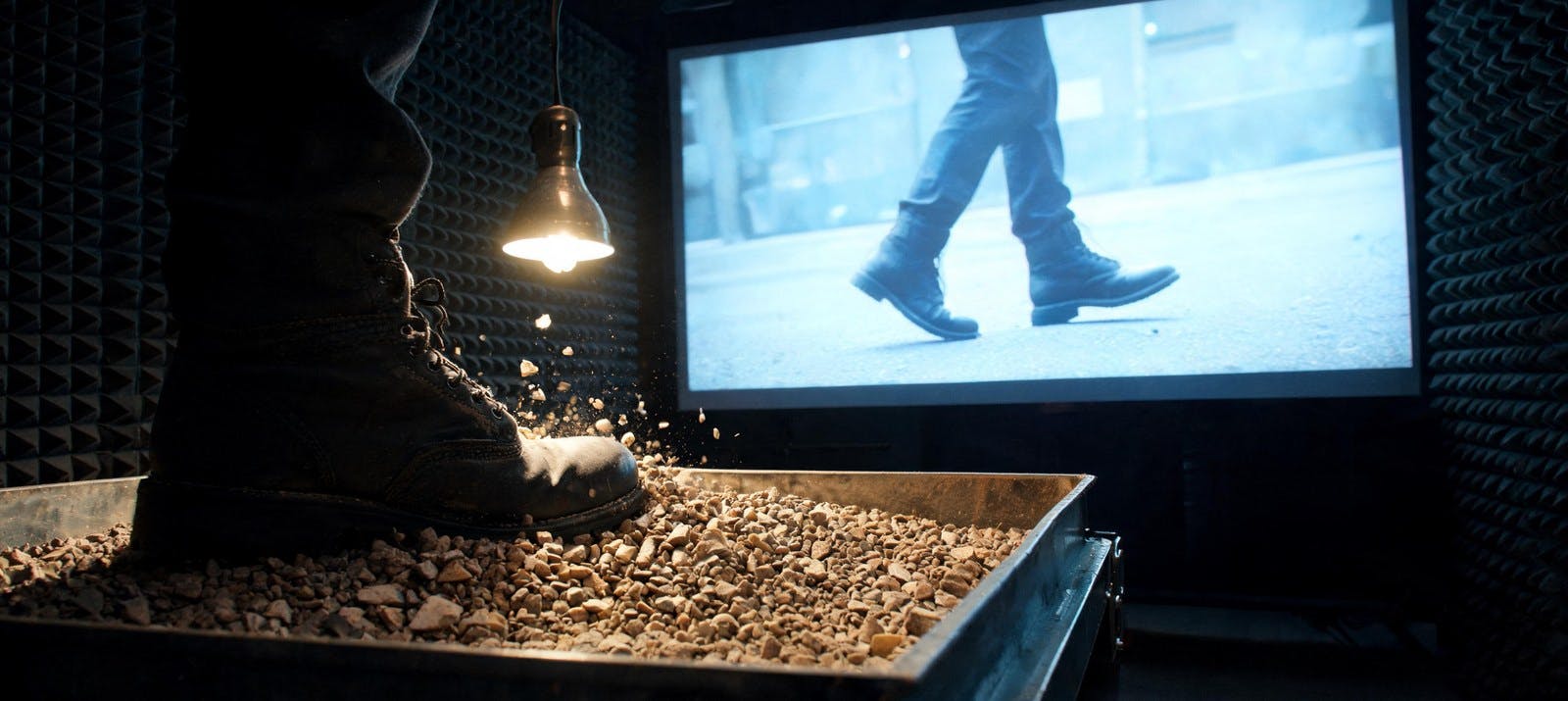
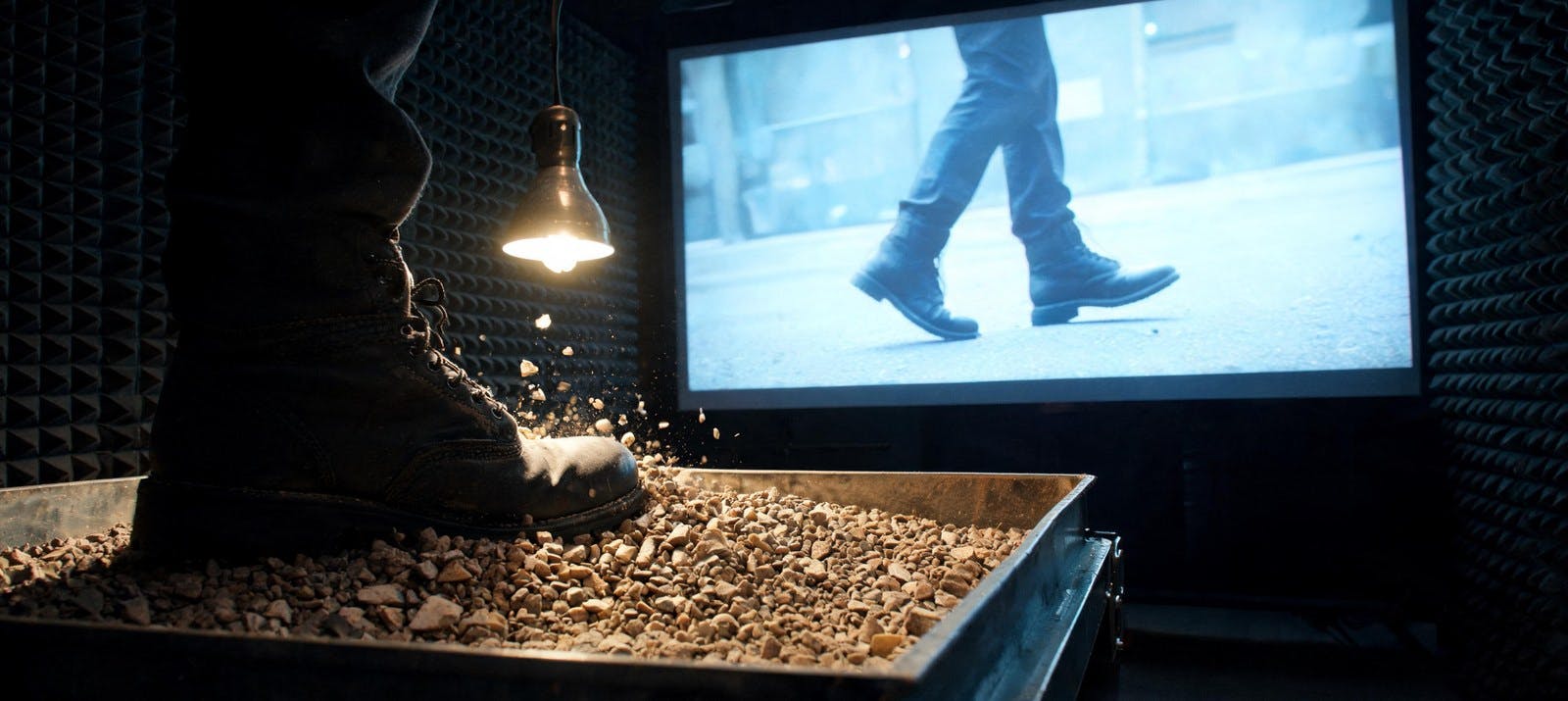
Dialogue, music, and effects are written alongside the picture rather than laid over it afterwards. Footsteps hit on the footstep — that takes a whole pass out of your edit.

Seedance 2.5 follows prompts roughly 20% more accurately than Seedance 2.0. If 2.0 typically takes three or four attempts to nail a specific camera move, 2.5 often gets there sooner.
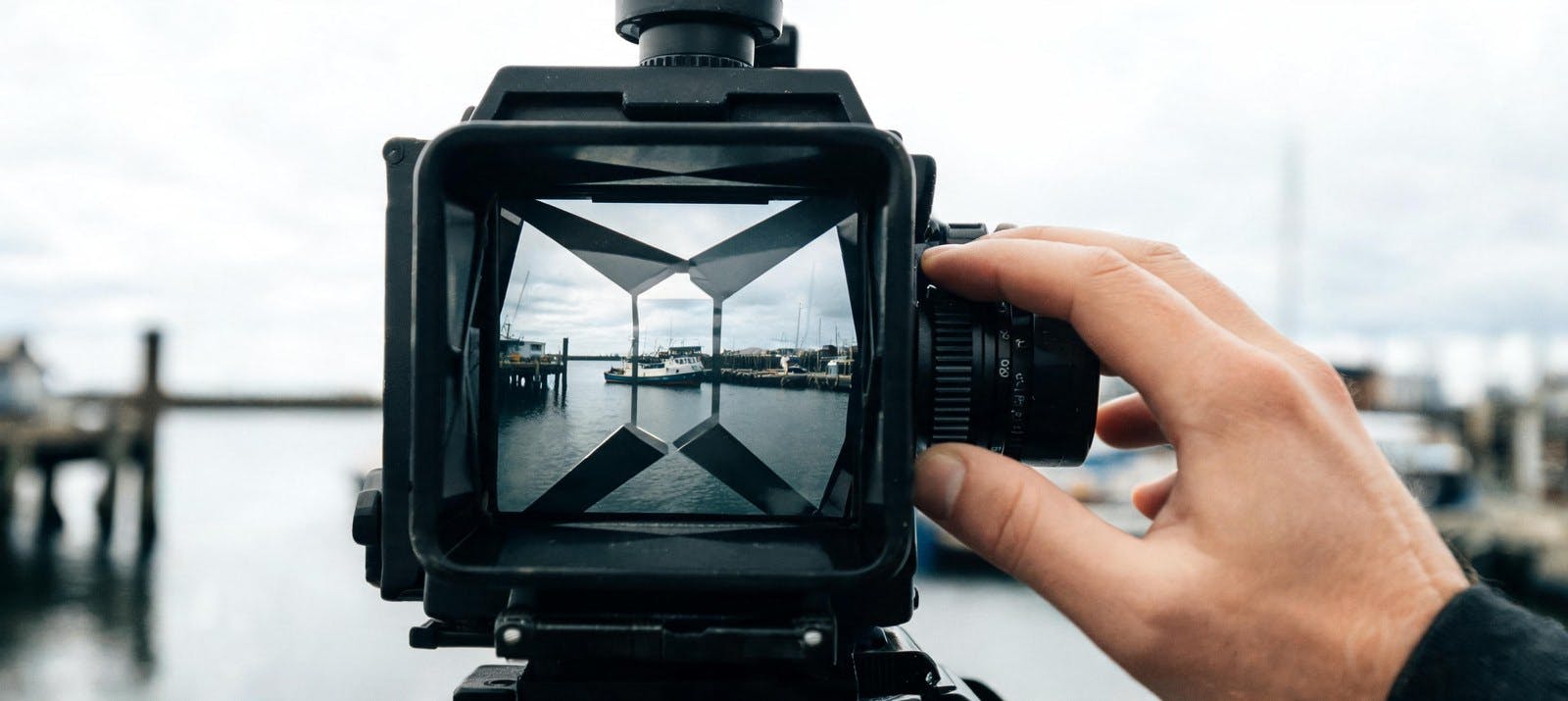
Set it yourself or let the model decide from your prompt: 16:9, 9:16, 1:1, or 21:9. Useful when you're not yet sure where the clip will run.
Four steps from an empty prompt to a finished clip with sound using Seedance 2.5 on this platform.
Go to the generator below and select Seedance 2.5 to start creating cinematic AI video from text or reference media.
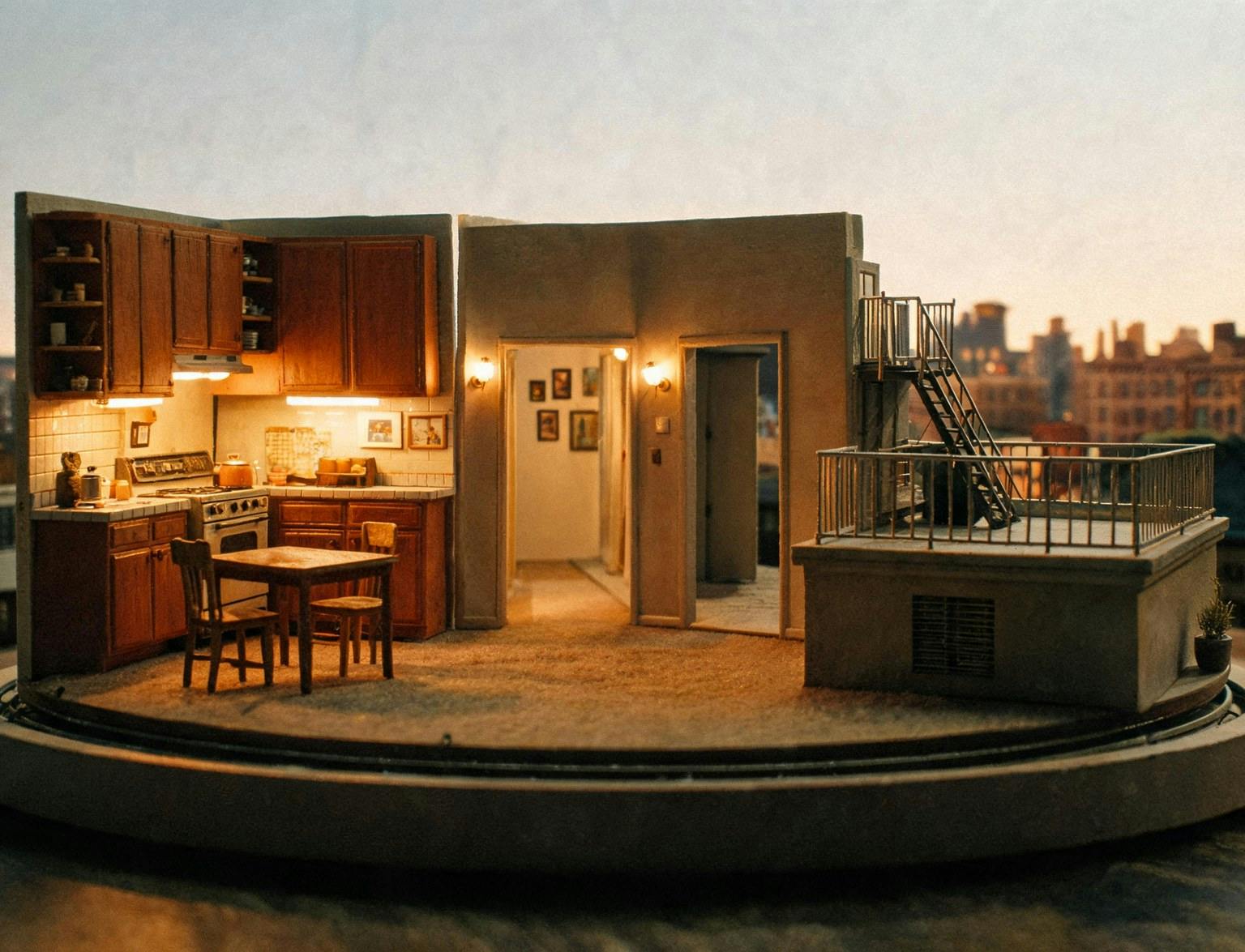
Built for teams who need longer native clips, richer reference control, and audio that arrives finished — not stitched on later.
Ship 30-second social spots, product demos, and campaign cuts with consistent subjects, branded palettes, and synced voiceover in one generation.

Block multi-shot sequences, bridge two clips, or extend a scene from its last frame while preserving style, rhythm, and camera logic.

Direct complex briefs with up to 50 references, iterate faster with stronger prompt adherence, and deliver dialogue in eleven languages.
Generate 30-second clips from up to 50 references on this platform. One workflow, commercial-ready output, and every control you need to direct the scene.
Beyond duration and references, Seedance 2.5 handles multi-shot sequences, targeted edits within a defined time range, and clip extension — all within one generation.
Describe several shots in one prompt, and the model cuts between them, holding style and continuity across each change.
Replace a subject, add or remove an element, or redraw a region. Limit the change to a time window — for example 0:02 to 0:05 — and the rest of the clip stays untouched.
Continue a clip from its final frame, or generate the moment before it using the first frame as the endpoint. Style, rhythm, and camera logic carry across.
Hand the model two clips, and it generates the transition between them, matching the motion on both sides.
Set the opening and closing image so the model builds the movement in between. Match the aspect ratios of both, or the last frame is cropped to fit the first.
Set any length from 4 to 30 seconds, or hand the decision over — the model picks a natural cut point in the 4 to 15 second range.
Feed an audio file on its own to drive dialogue, music, or effects. No matching image or video reference is required.
Generate dialogue in English, Chinese, Spanish, Portuguese, Japanese, Korean, Arabic, Vietnamese, Thai, Indonesian, or Malay.
Seedance 2.5 extends clip length and reference depth. Seedance 2.0 remains the choice for maximum resolution workflows up to 4K.
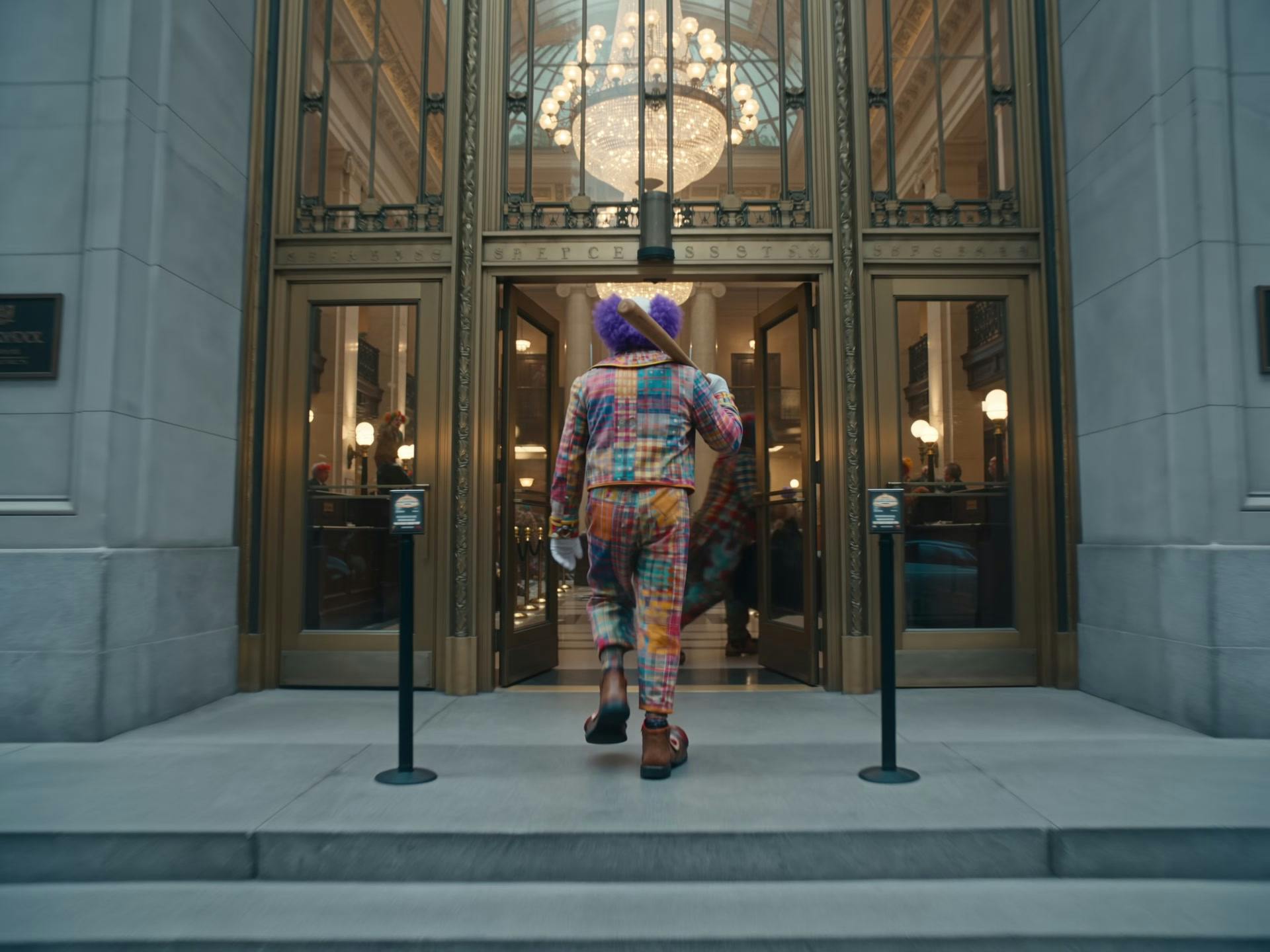
Native 30-second clips with up to 50 multimodal references, synchronized audio, Smart Duration, and stronger prompt adherence.

Short-form cinematic storytelling with native multimodal references, multi-shot control, and up to 4K output for polished delivery.
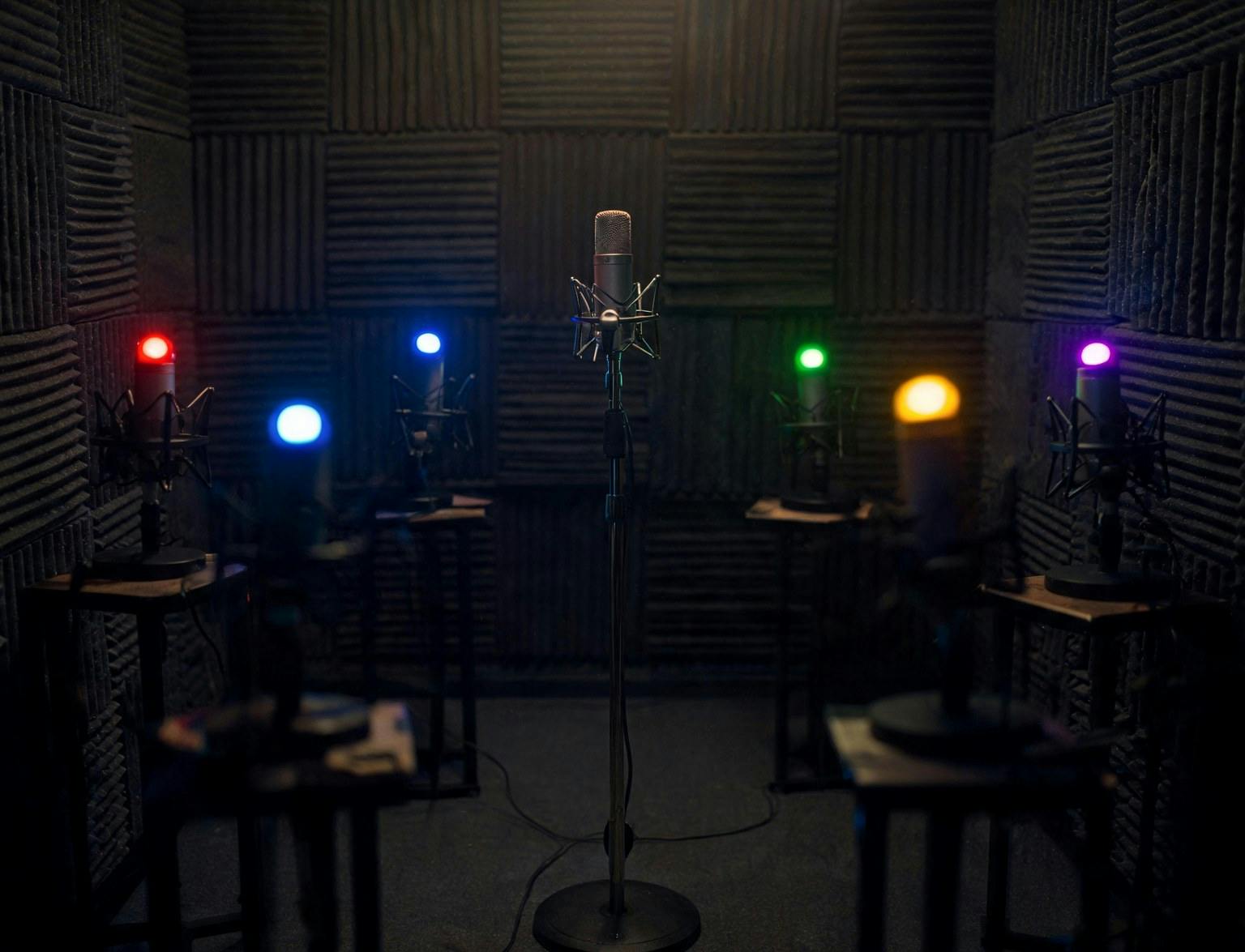
Extend scenes, insert shots, bridge two clips, or edit a scoped region while preserving continuity across the rest of the timeline.

Built for speed — generate, test, and refine video ideas quickly before finalizing in Standard or moving up to Seedance 2.5.
Explore guides and comparisons to get the most from Seedance 2.5 and the wider Seedance model family.
Still have questions? We're here to help.