Text-to-Video
Describe the subject, camera movement and sounds. Choose a duration from 3 to 15 seconds for a new shot.
Generate a 3–15 second shot with synchronized sound, direct the motion between frames, or edit a clip you already have. Gemini Omni 1.2 Flash supports landscape and portrait video up to 4K.
Describe the subject, camera movement and sounds. Choose a duration from 3 to 15 seconds for a new shot.
Use an opening image to set the composition for a 3–15 second shot. Add a closing image to guide both ends of a 3–10 second transition.
Combine up to six reference images with up to two saved characters. Describe which visual details should carry into the scene.
Upload one clip up to 15 seconds long and describe the change. You can add up to five reference images. The source clip sets the edit length.
For a new shot, multiply the rate by the selected duration. For an edit, the rate applies to the source video's length.
Direct video scenes with image, video and audio references.
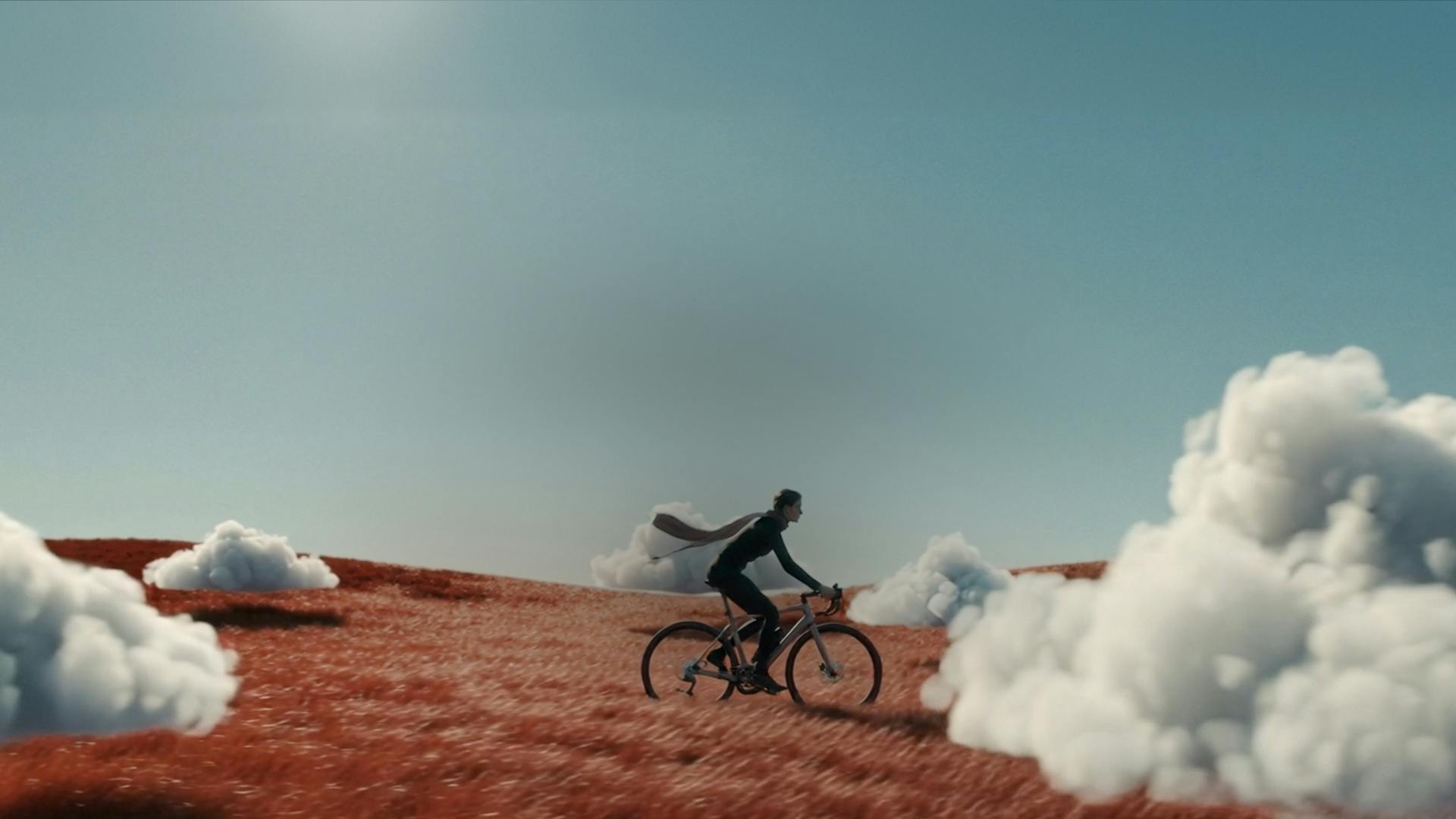
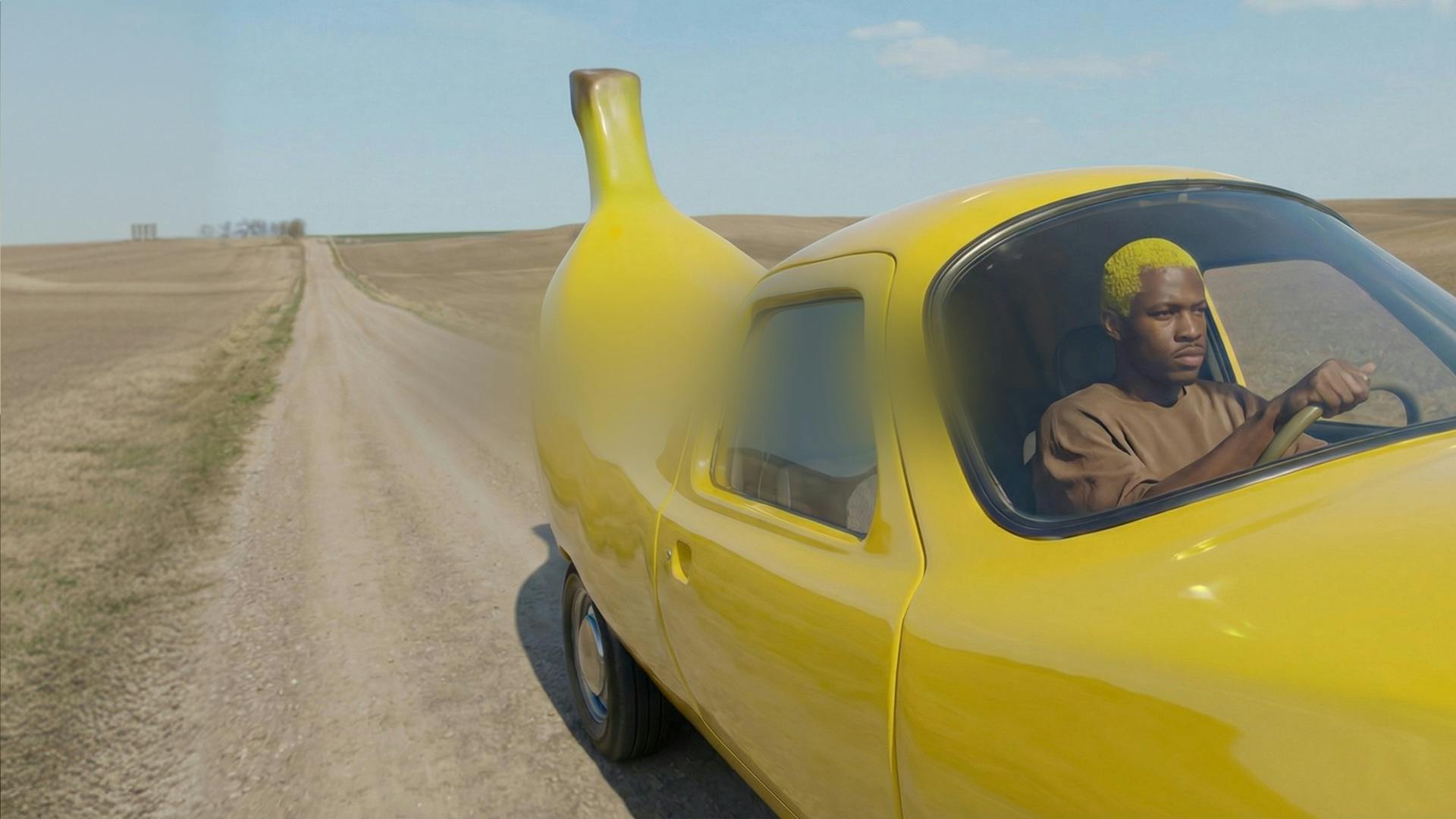
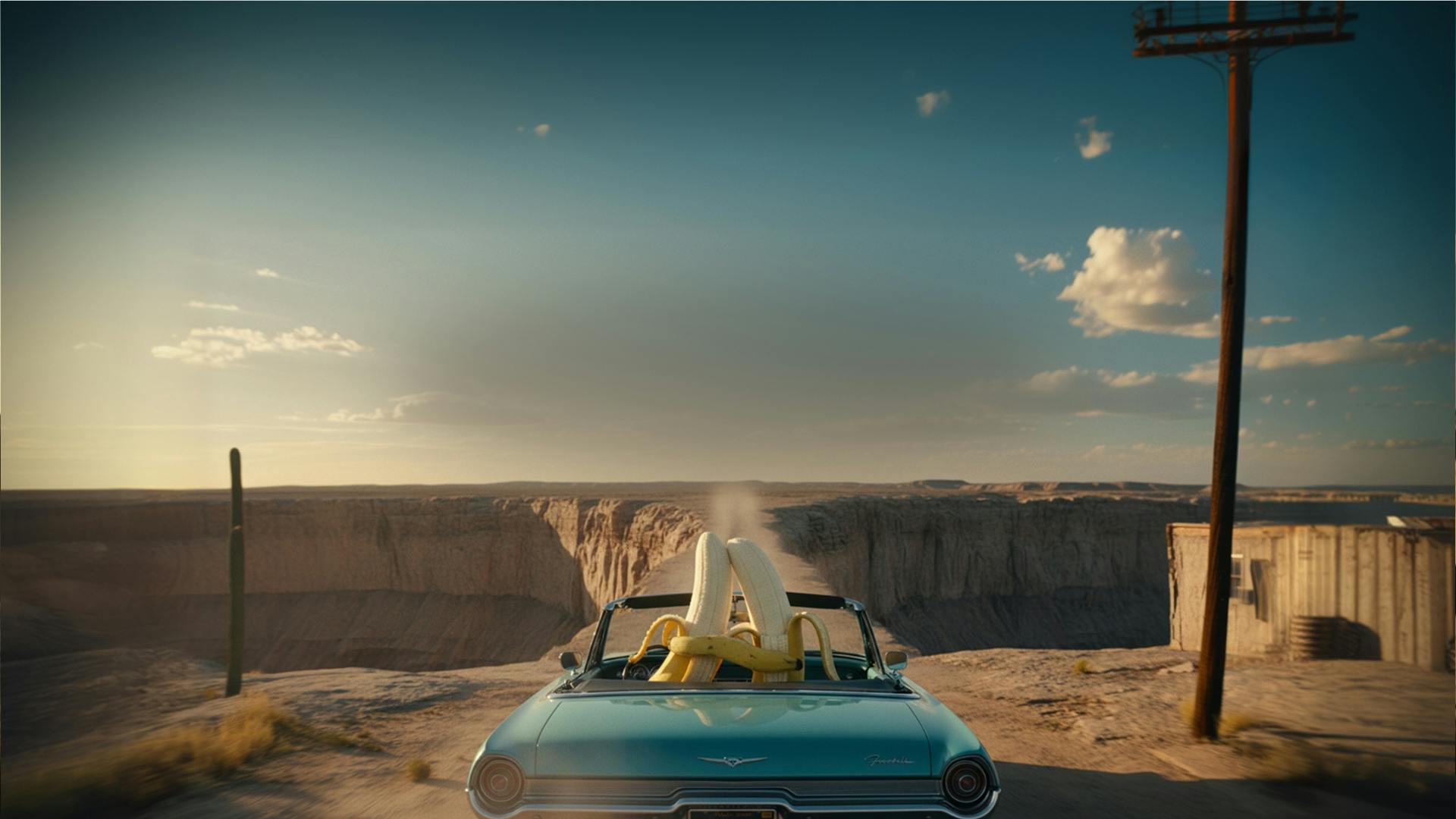
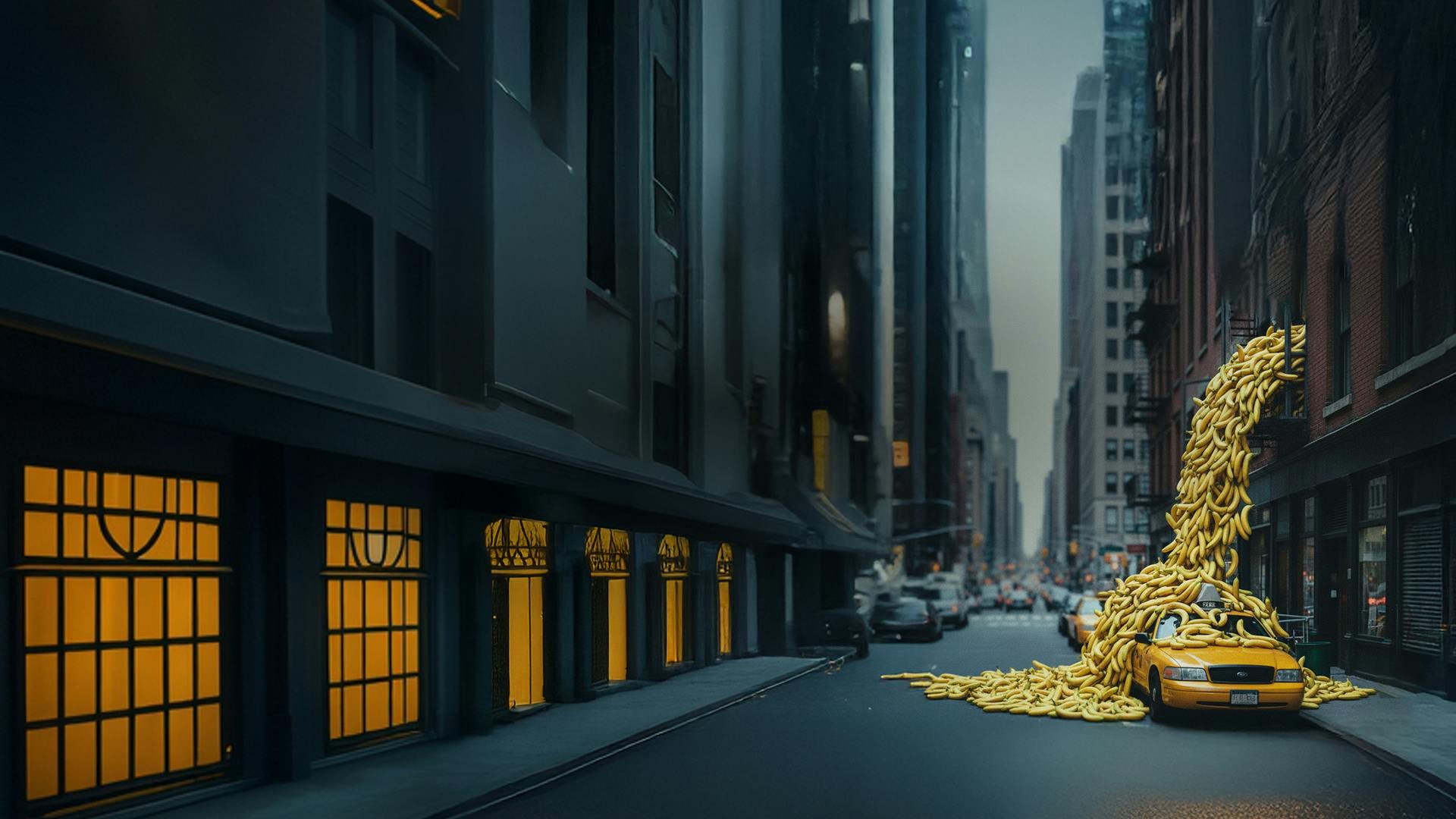
Bring your stories to life with cinematic motion and creative control.
Build cinematic sequences from text and images, with native audio.
Transform prompts and photos into video with synchronized sound.
Guide video creation with multimodal references and prompts.
Explore expressive motion and cinematic video storytelling.
Bring visual ideas to life with text and image guided video.
Explore stable motion, Omni references and native generation up to 30 seconds.
Create and edit detailed images with expressive, readable typography.
Turn ideas into images and explore new looks with image editing.
Refine your visuals with detailed image generation and editing.
Explore fast image creation and editing for everyday ideas.
Explore creative compositions, visual styles and image editing.