Creadores de contenido y marketers
Genera contenido de video de marca con consistencia visual precisa y sincronización de audio para redes sociales, campañas publicitarias y demostraciones de producto.
Seedance 2.0 de ByteDance es un generador de video con IA de primer nivel que convierte a los creadores en directores de IA. Genera video 1080p de alta calidad con Standard, itera rápidamente con Fast o reduce costos en flujos de alto volumen con Seedance 2.0 Mini.
Seedance 2.0 de ByteDance combina control a nivel de director, continuidad cinematográfica y flujos de trabajo multimodales flexibles para la creación profesional de video en formato corto.
Dirige tus videos con prompts de texto, imágenes de referencia y clips. Define fotogramas inicial y final, controla el movimiento de cámara y establece el estilo cinematográfico con simples etiquetas @.
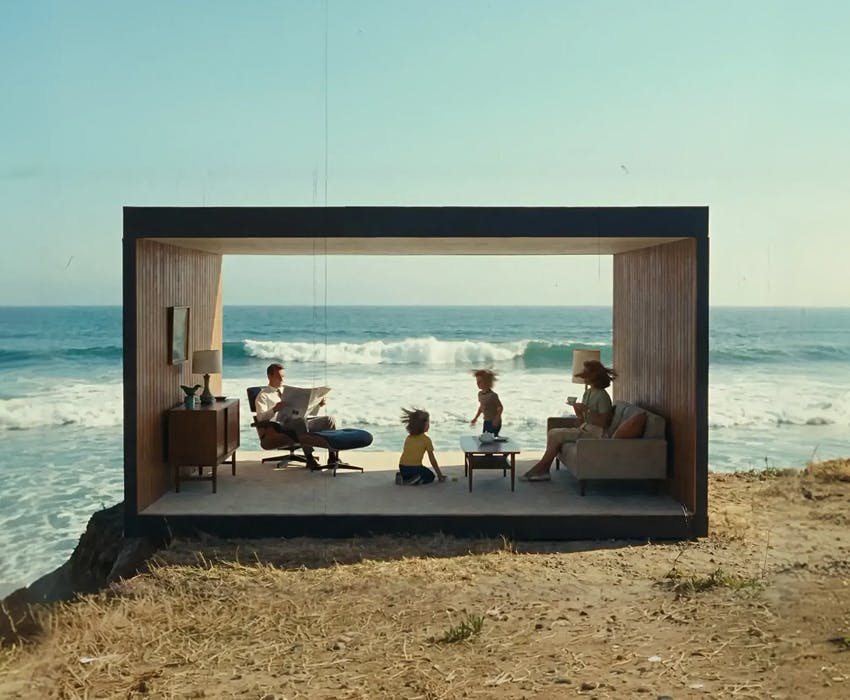
Crea secuencias de seguimiento y multi-plano con personajes y entornos consistentes. Obtén continuidad visual profesional y salida completa en 1080p para resultados de alta calidad listos para producción.
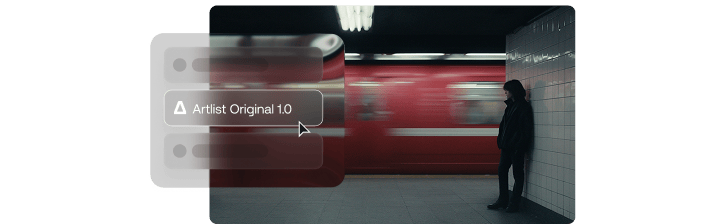
Extiende escenas, inserta nuevos planos y perfecciona metraje usando referencias @Video, con capacidades de edición avanzadas que siguen ampliándose.

Mantén tu historia en movimiento sin reiniciar la generación. Expande momentos, añade nuevos beats y construye secuencias más largas preservando personajes, movimiento y flujo cinematográfico.
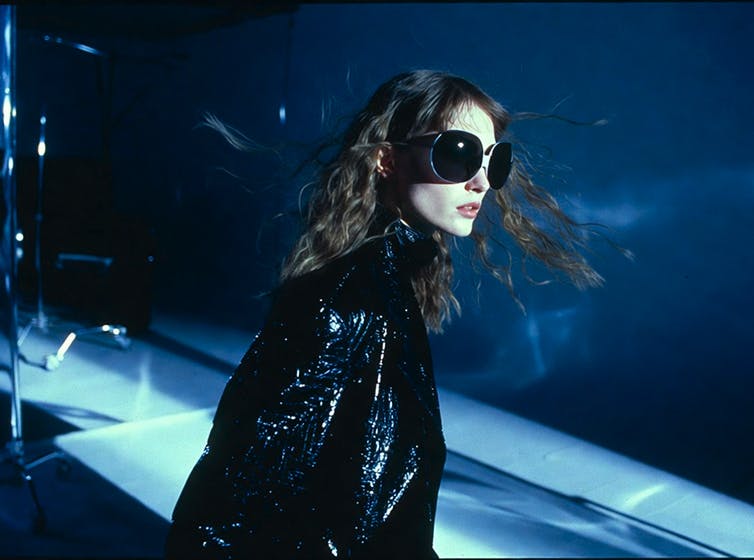
Genera video con efectos de sonido y audio de fondo sincronizados que coinciden con tus visuales. Usa referencias de audio en el prompt como voz, música o narración para guiar el ritmo, la cadencia y el timing de la escena.
Genera contenido de video profesional combinando prompts con tus propias imágenes y clips en segundos usando Seedance 2.0 en esta plataforma.
Pulsa Empezar a crear para abrir el estudio con Seedance 2.0 seleccionado. Introduce un prompt o sube tus archivos, revisa los ajustes y genera el vídeo.
ByteDance Seedance 2.0 está diseñado para creadores profesionales, equipos y estudios que necesitan control preciso y escalabilidad en sus flujos de producción de video.
Genera contenido de video de marca con consistencia visual precisa y sincronización de audio para redes sociales, campañas publicitarias y demostraciones de producto.
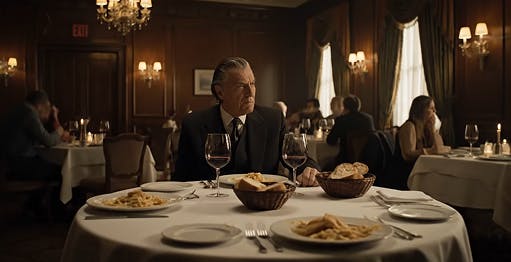
Crea previsualización cinematográfica, planos secuencia de seguimiento y escenas multi-plano con personajes, movimiento de cámara y continuidad de escena consistentes.
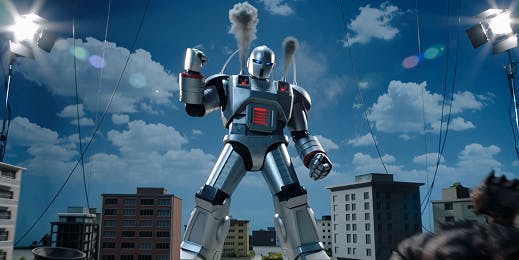
Prototipa animaciones complejas, genera referencias de storyboard y prueba estilos visuales con control estructurado de cámara y escena antes de la producción completa.
Experimenta con el generador de video Seedance 2.0 y combina imágenes y clips de video para crear contenido listo para estudio que coincida con tu visión creativa.
Descubre las funciones avanzadas de Seedance 2.0 que te dan control a nivel de director sobre la generación de video con IA.
Define la dirección creativa usando referencias @Image y @Video. Fija tus personajes, guía los movimientos de cámara y construye fácilmente secuencias multi-plano simplemente etiquetando tus referencias.
Crea a partir de prompts de texto, imágenes o clips existentes, con referencias de audio opcionales. Cambia entre flujos de trabajo sin fricción y construye escenas como lo exige tu proyecto.
Continúa escenas de forma natural con personajes, entornos y flujo de movimiento consistentes. Extiende generaciones de hasta 15 segundos manteniendo dirección cinematográfica y ritmo fluidos.
Genera planos secuencia de seguimiento o secuencias estructuradas que preservan la identidad del personaje y los detalles del entorno entre cortes de escena.
Crea videos en nítida resolución 1080p con Seedance 2.0 Standard, asegurando que tu contenido se vea nítido, detallado y listo para uso profesional en todas las plataformas.
Seedance 2.0 ofrece dos variantes del modelo para adaptarse a tu flujo de trabajo. Usa Standard para máxima calidad y adherencia precisa al prompt. O cambia a Fast para iteraciones más rápidas con resultados más veloces.
Explora guías, tutoriales, técnicas de prompting y artículos para dominar la generación de video con IA en tus proyectos creativos.
ByteDance's newest video model is here. Generate up to 30 seconds in one pass, direct it with 50 image, video, and audio references, and get dialogue, music, and effects locked to the timeline.
Kling 3.0 de Kuaishou convierte textos e imágenes de referencia en secuencias cinematográficas de 3 a 15 segundos con audio nativo. Diseñado para formatos cortos con continuidad narrativa de largo recorrido.
Crea videos de calidad cinematográfica a partir de textos o imágenes con el modelo de video IA Veo 3.1 de última generación de Google. Ahora con soporte de resolución 4K, audio integrado y control avanzado de escenas — diseñado para narradores, creadores y marcas.
Gemini Omni de Google DeepMind convierte texto, imágenes, audio y video en clips pulidos. Crea, remezcla y perfecciona escenas con movimiento consistente y coherencia del mundo real. Ideal para contenido social, videos de producto y visualización de conceptos.
MiniMax H3 es un sistema generativo omni-modal de propósito general — un modelo de 33B parámetros que comprende texto, imágenes, video y audio en contexto unificado, generando video 2K con sonido estéreo nativo en un solo forward pass.
Muse Video is Meta's next-generation text-to-video model — built on the same pretraining base as Muse Image, with exceptional visual fidelity, native audio support, and strong prompt adherence. Preview what's coming to creators and Meta AI.
Kling 4.0 de Kuaishou aporta movimientos más estables y una narrativa audiovisual inmersiva a la creación de vídeo con IA. Su avance oficial presenta referencias Omni, generación nativa de hasta 30 segundos y múltiples fotogramas clave.
GPT Image 2 de OpenAI admite generación de texto a imagen y edición avanzada de imágenes, con mejor renderizado de texto y salida en alta resolución, todo en un flujo creativo unificado.
Impulsado por Gemini 3.1 Flash, Nano Banana 2 ofrece generación de imágenes rápida y rentable para flujos de producción reales. Estudios y creadores pueden crear visuales consistentes en gran volumen: mockups de producto, variaciones de anuncios, campañas y fotogramas de video.
Nano Banana Pro es el generador de imágenes más avanzado de Google. Basado en Gemini 3 Pro, este modelo ofrece el máximo nivel de consistencia, renderizado de texto nítido en varios idiomas, infografías y conocimiento avanzado del mundo real para imágenes fieles a la vida.
Impulsado por Gemini Flash Image Lite, Nano Banana 2 Lite convierte prompts simples en visuales potentes rápidamente. Combina referencias, ajusta ángulos, edita con precisión y mantiene la consistencia de personajes — ideal para ideación rápida y trabajo creativo de alto volumen.
Muse Image is Meta's most advanced image generation model — an agent that searches, codes, self-refines, and edits with precision. Built for your world across Meta AI, Instagram, and WhatsApp.
¿Aún tienes preguntas? Estamos aquí para ayudarte.