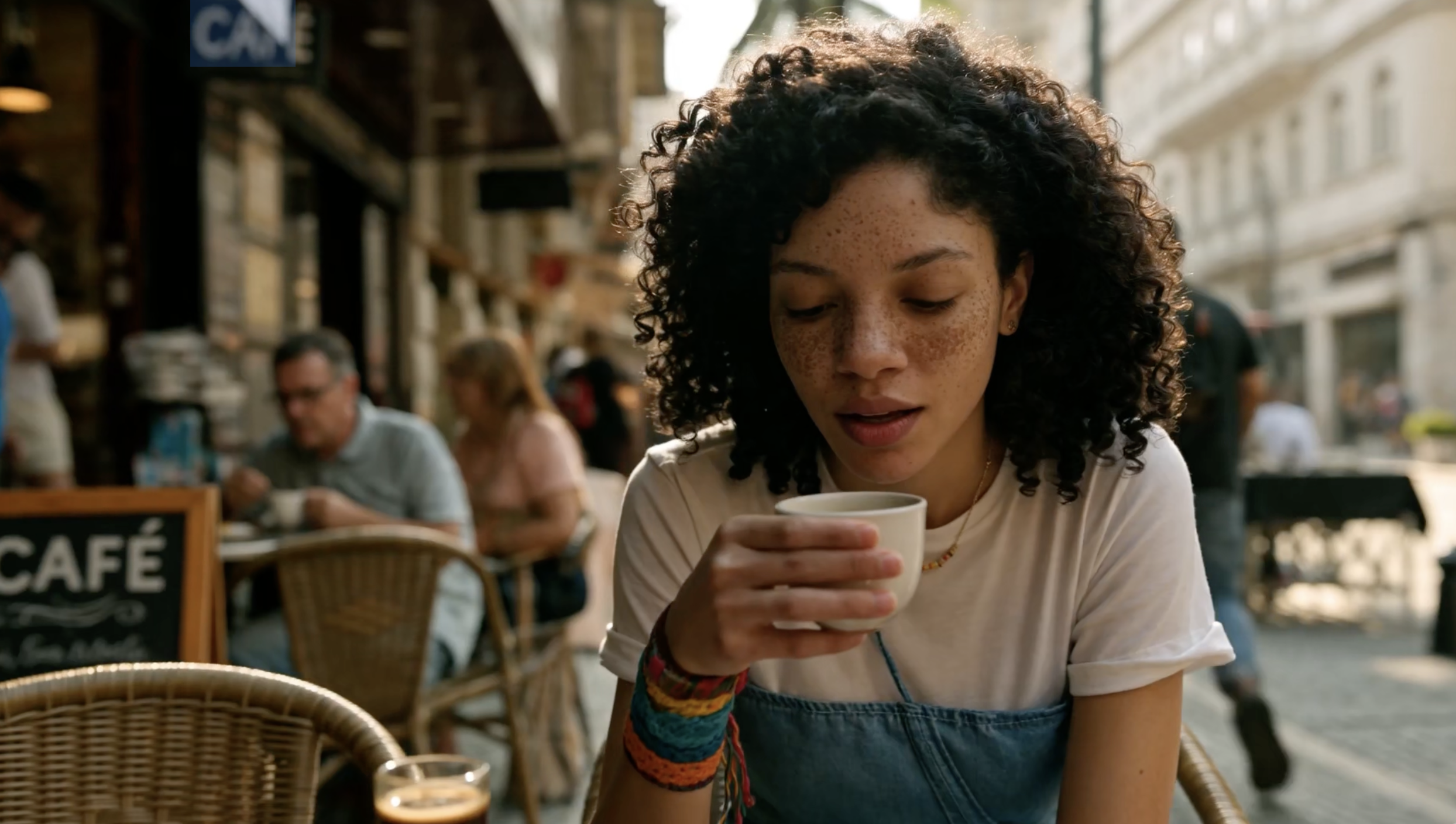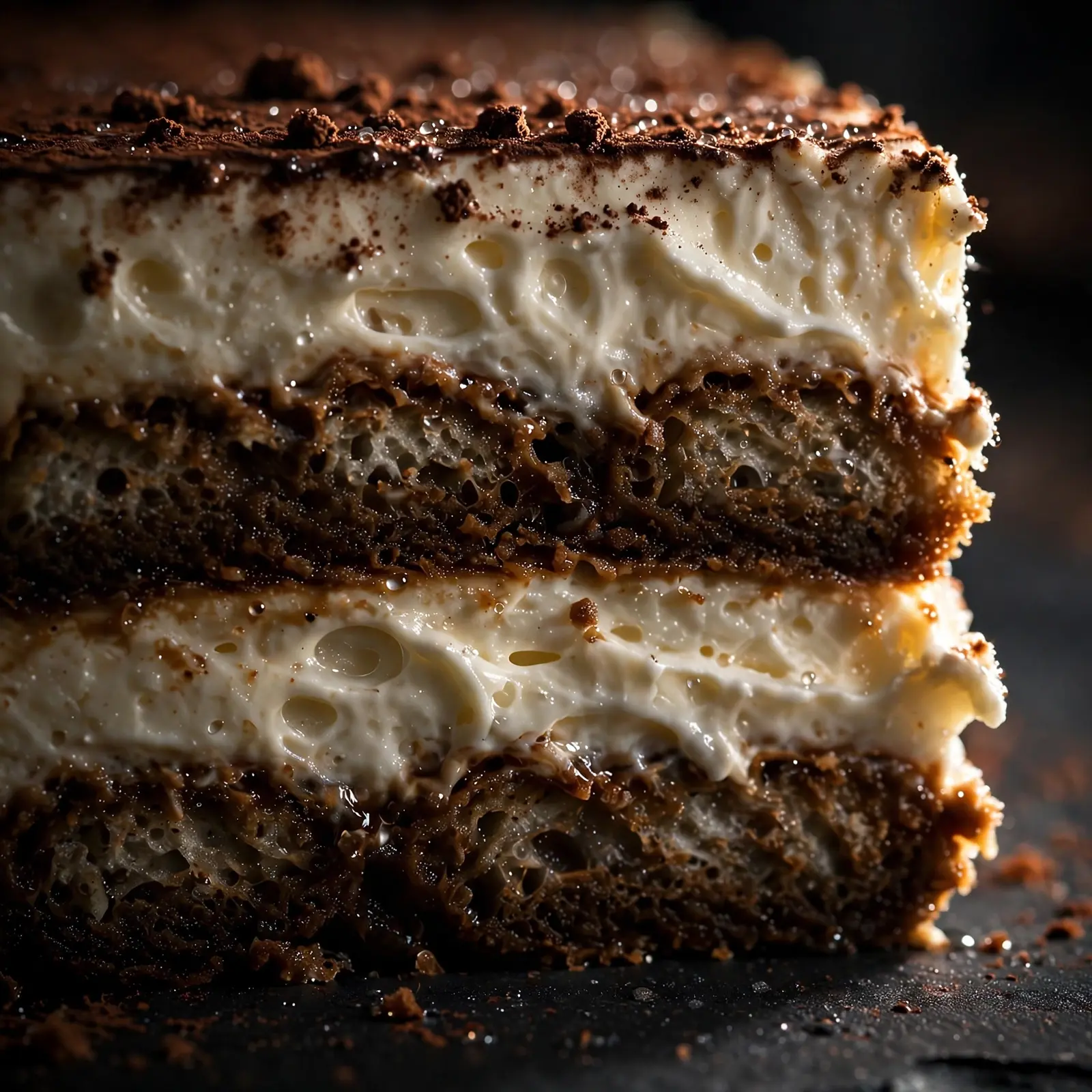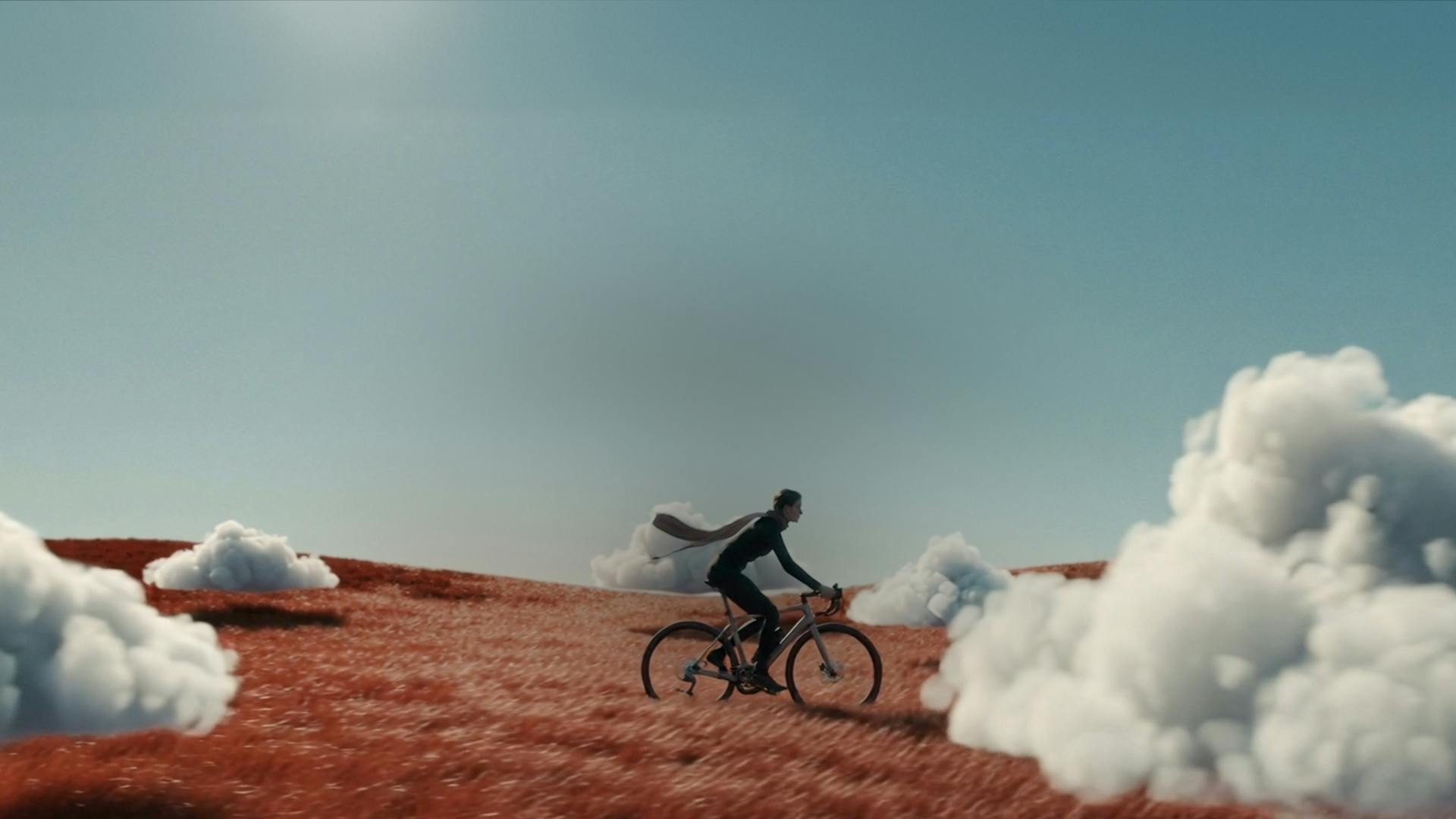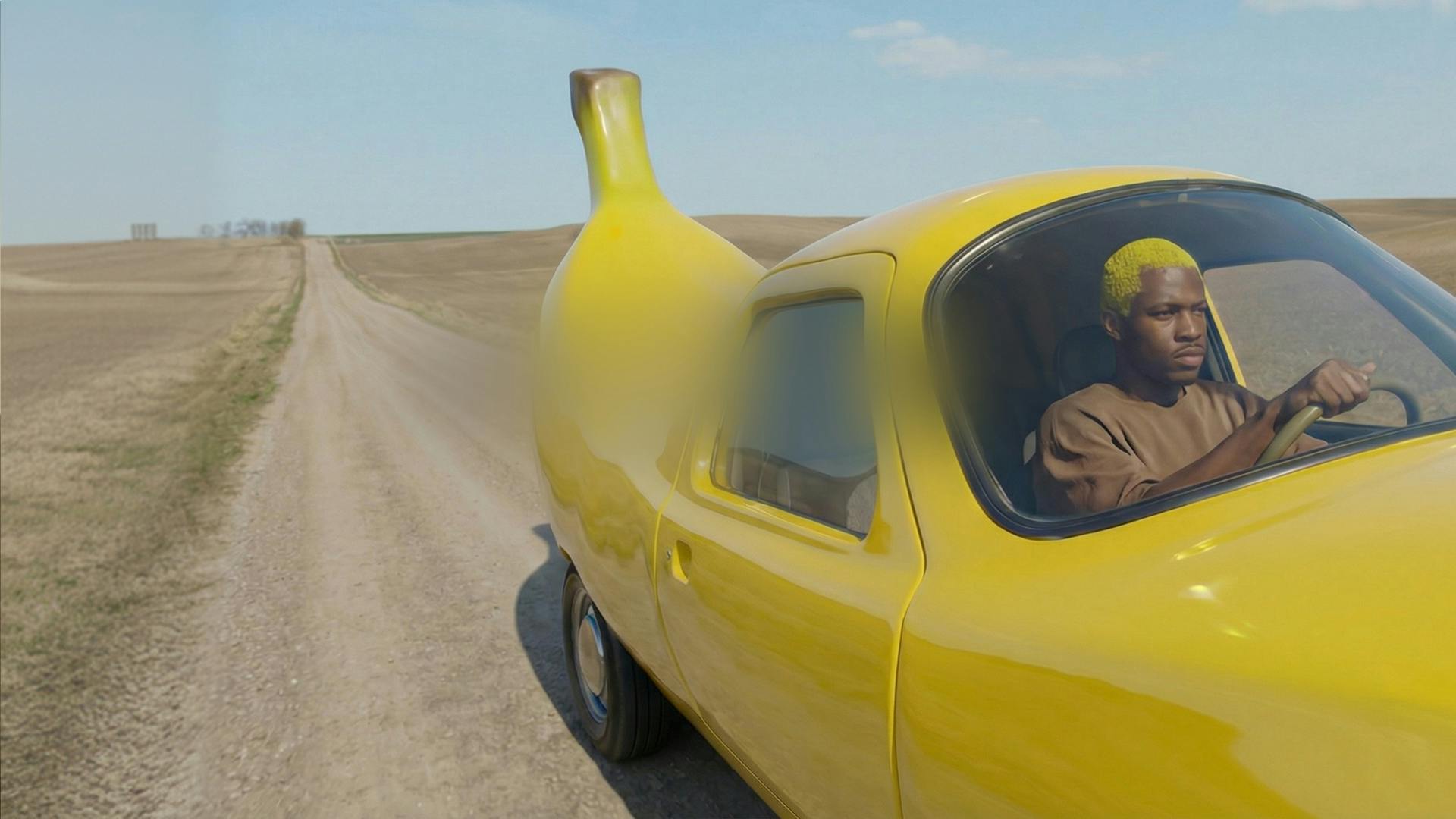
Content creators and marketers
Ship 30-second social spots, product demos, and campaign cuts with consistent subjects, branded palettes, and synced voiceover in one generation.
ByteDance's newest video model is here. Generate up to 30 seconds in one pass, direct it with 50 image, video, and audio references, and get dialogue, music, and effects locked to the timeline.
Longer clips, deeper reference control, and sound that arrives finished. Here is what changes when you generate scenes with more control.

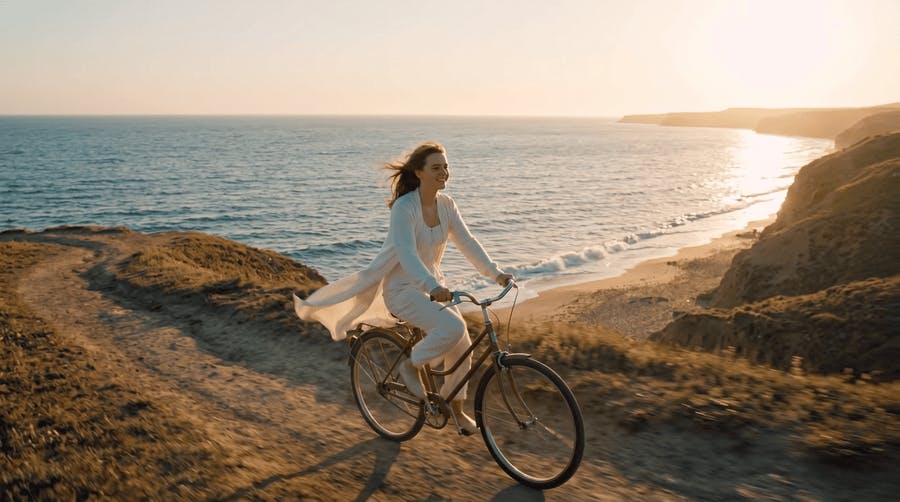
Thirty seconds means you can craft a narrative that actually tells a story. Your character holds across the scene, the light holds, and nothing drifts at the seams.
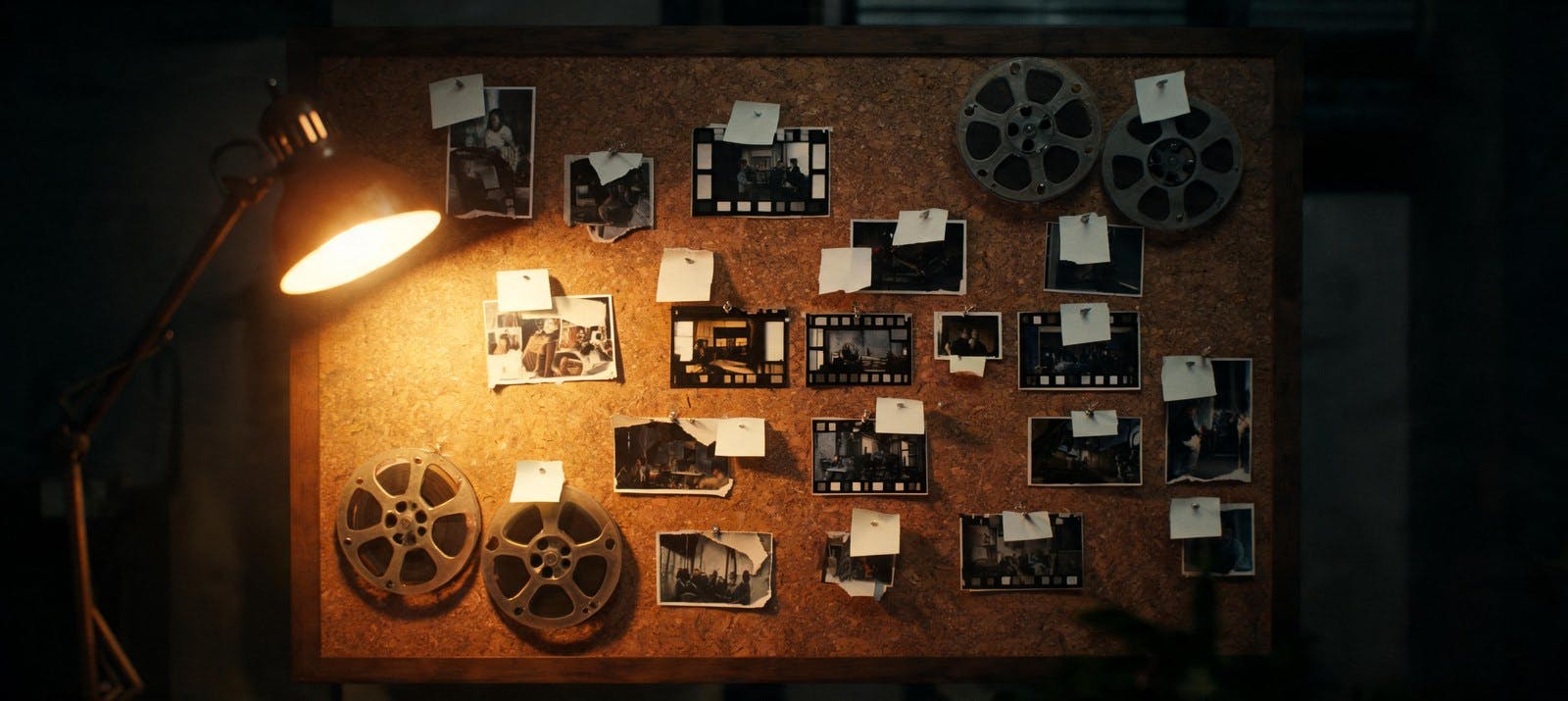
With 30 images, 10 clips, and 10 audio files in one generation, label each in the prompt and the model reads it as a brief: this face, that palette, this camera move, that voice.
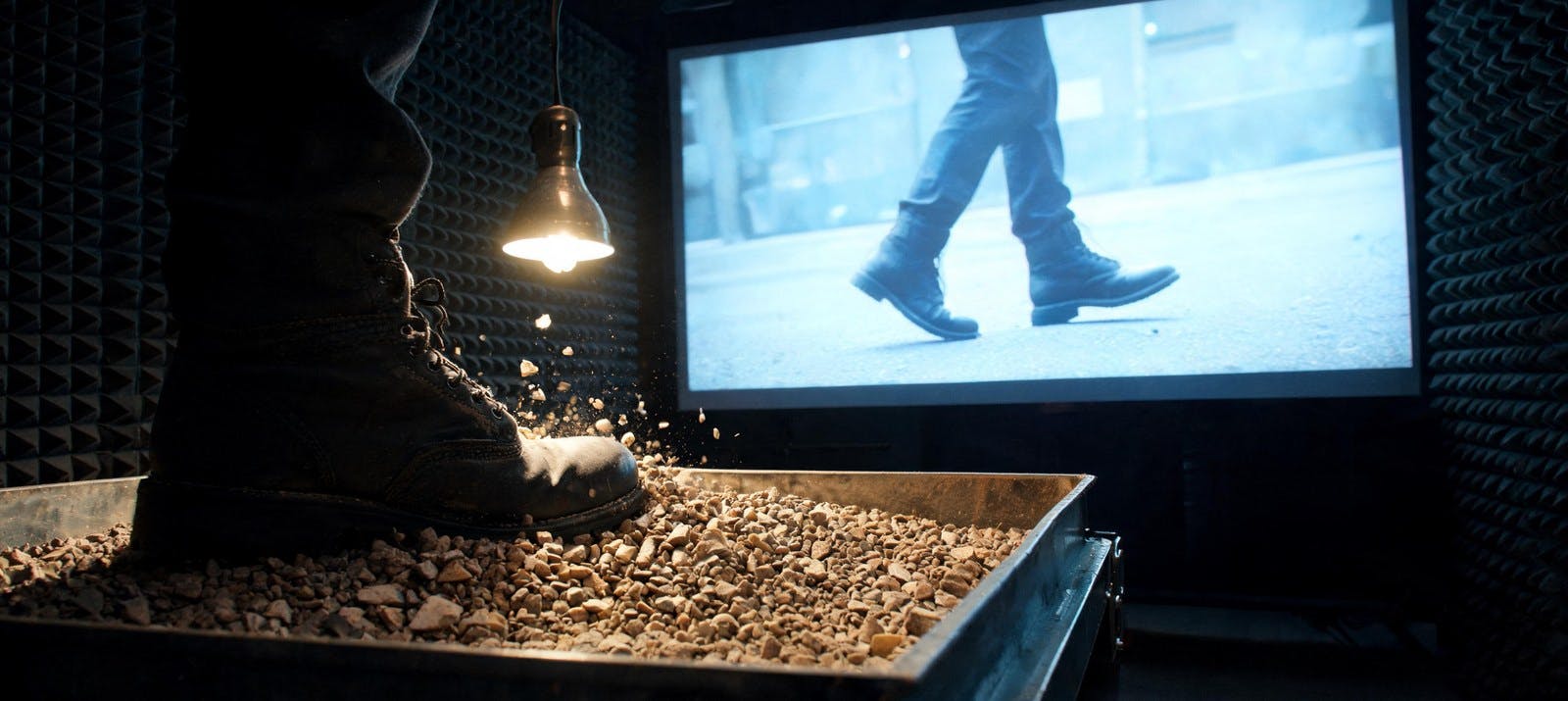
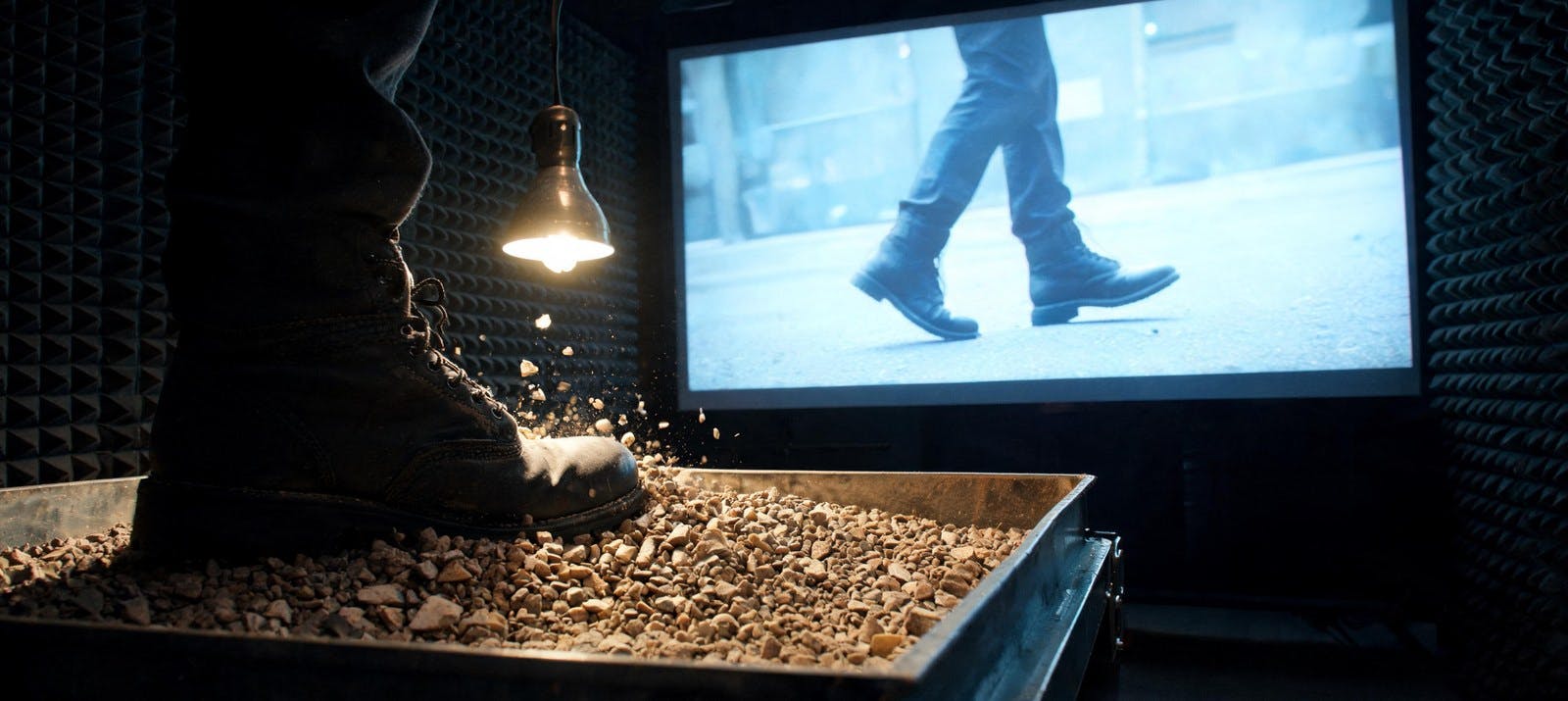
Dialogue, music, and effects are written alongside the picture rather than laid over it afterwards. Footsteps hit on the footstep — that takes a whole pass out of your edit.

Seedance 2.5 follows prompts roughly 20% more accurately than Seedance 2.0. If 2.0 typically takes three or four attempts to nail a specific camera move, 2.5 often gets there sooner.
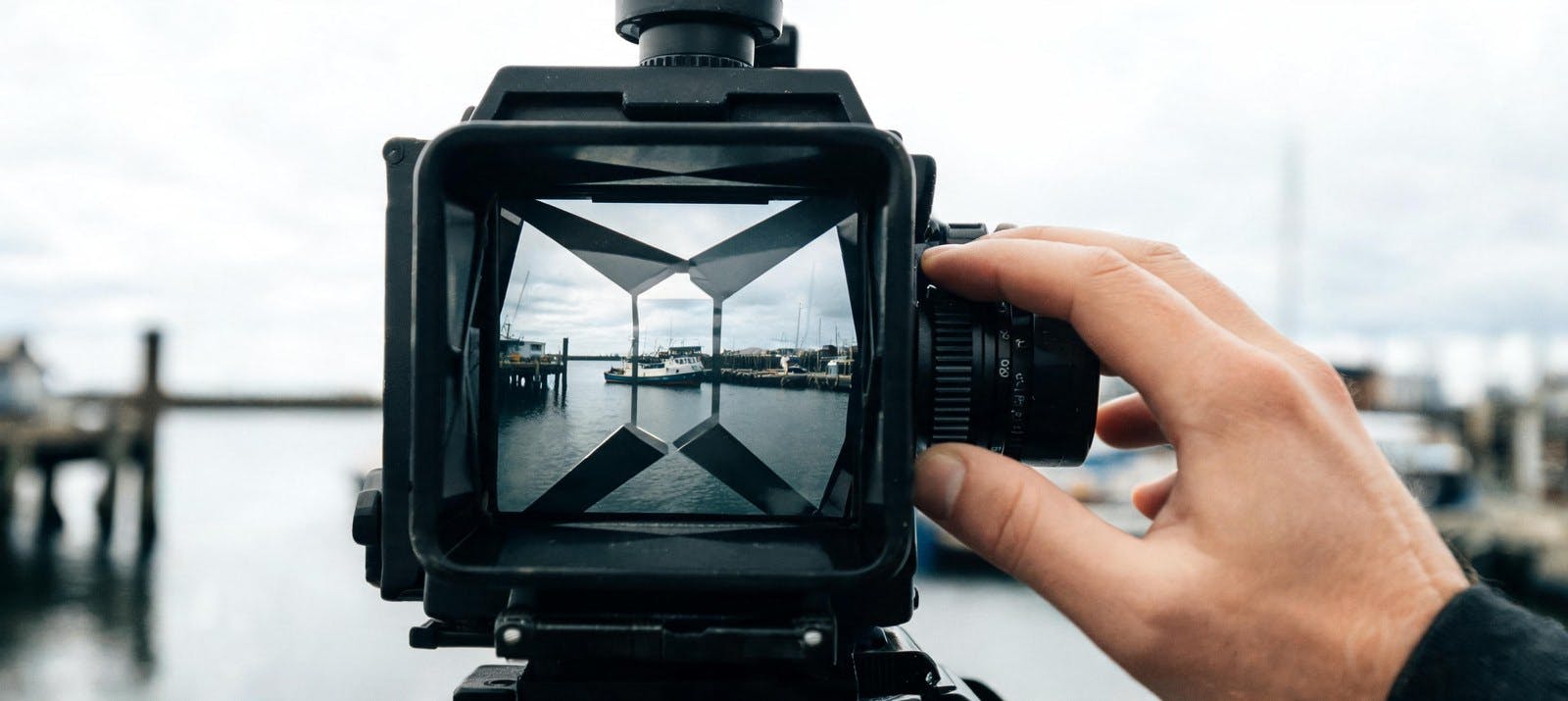
Set it yourself or let the model decide from your prompt: 16:9, 9:16, 1:1, or 21:9. Useful when you're not yet sure where the clip will run.
Four steps from an empty prompt to a finished clip with sound using Seedance 2.5 on this platform.
Fai clic su Inizia a creare per aprire lo studio con Seedance 2.5 selezionato. Inserisci un prompt o carica i file, controlla le impostazioni e genera il video.
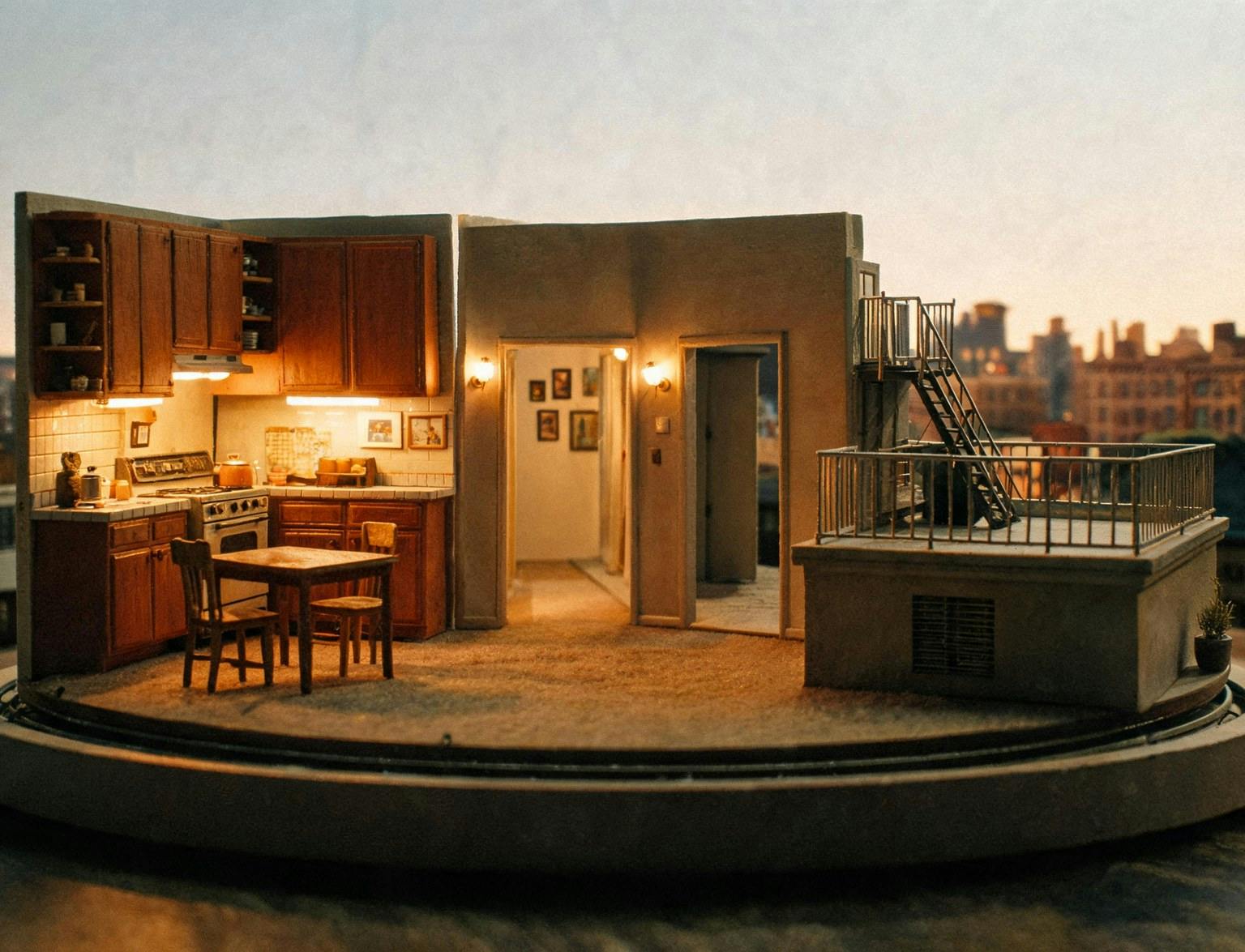
Built for teams who need longer native clips, richer reference control, and audio that arrives finished — not stitched on later.
Ship 30-second social spots, product demos, and campaign cuts with consistent subjects, branded palettes, and synced voiceover in one generation.
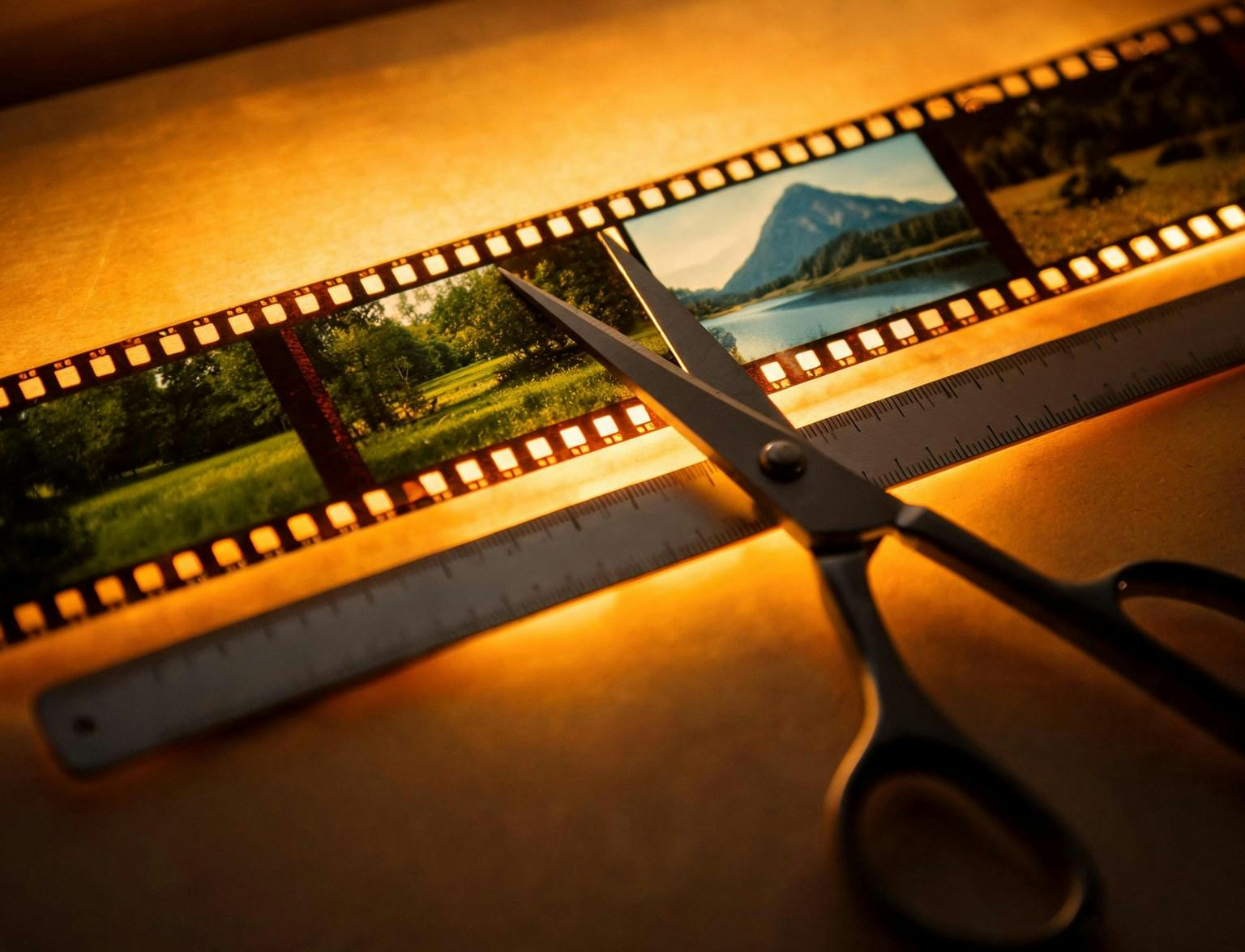
Block multi-shot sequences, bridge two clips, or extend a scene from its last frame while preserving style, rhythm, and camera logic.
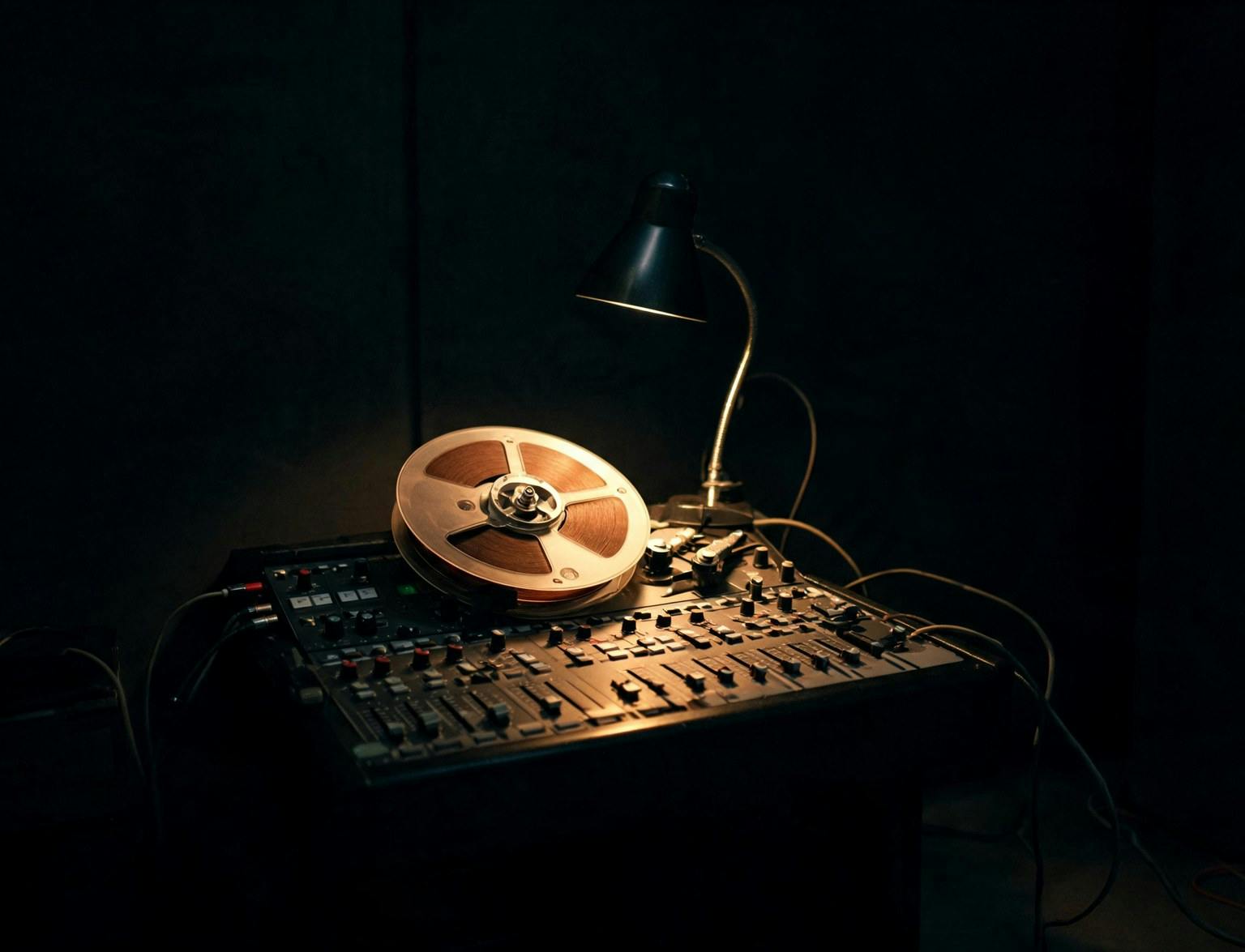
Direct complex briefs with up to 50 references, iterate faster with stronger prompt adherence, and deliver dialogue in eleven languages.
Generate 30-second clips from up to 50 references on this platform. One workflow, commercial-ready output, and every control you need to direct the scene.
Beyond duration and references, Seedance 2.5 handles multi-shot sequences, targeted edits within a defined time range, and clip extension — all within one generation.
Describe several shots in one prompt, and the model cuts between them, holding style and continuity across each change.
Replace a subject, add or remove an element, or redraw a region. Limit the change to a time window — for example 0:02 to 0:05 — and the rest of the clip stays untouched.
Continue a clip from its final frame, or generate the moment before it using the first frame as the endpoint. Style, rhythm, and camera logic carry across.
Hand the model two clips, and it generates the transition between them, matching the motion on both sides.
Set the opening and closing image so the model builds the movement in between. Match the aspect ratios of both, or the last frame is cropped to fit the first.
Set any length from 4 to 30 seconds, or hand the decision over — the model picks a natural cut point in the 4 to 15 second range.
Feed an audio file on its own to drive dialogue, music, or effects. No matching image or video reference is required.
Generate dialogue in English, Chinese, Spanish, Portuguese, Japanese, Korean, Arabic, Vietnamese, Thai, Indonesian, or Malay.
Explore guides and comparisons to get the most from Seedance 2.5 and the wider Seedance model family.
Seedance 2.0 di ByteDance è un generatore video IA di primo livello che trasforma i creator in registi IA. Genera video 1080p di alta qualità con Standard, itera rapidamente con Fast o riduci i costi su flussi di lavoro ad alto volume con Seedance 2.0 Mini.
Kling 3.0 di Kuaishou trasforma testi e immagini di riferimento in sequenze cinematografiche da 3 a 15 secondi con audio nativo. Progettato per formati brevi con continuità narrativa a lungo termine.
Crea video di qualità cinematografica da prompt testuali o immagini con il modello video AI Veo 3.1 all'avanguardia di Google. Ora con supporto 4K, audio integrato e controllo avanzato delle scene — pensato per storyteller, creator e brand.
Gemini Omni di Google DeepMind trasforma testo, immagini, audio e video in clip raffinate. Crea, remixa e perfeziona scene con movimento coerente e coerenza del mondo reale. Ideale per contenuti social, video prodotto e visualizzazione di concetti.
MiniMax H3 è un sistema generativo omni-modale general-purpose — un modello da 33B parametri che comprende testo, immagini, video e audio in contesto unificato, generando video 2K con suono stereo nativo in un singolo forward pass.
Muse Video is Meta's next-generation text-to-video model — built on the same pretraining base as Muse Image, with exceptional visual fidelity, native audio support, and strong prompt adherence. Preview what's coming to creators and Meta AI.
Kling 4.0 di Kuaishou porta movimenti più stabili e narrazione audiovisiva immersiva nella creazione video con IA. L’anteprima ufficiale presenta riferimenti Omni, generazione nativa fino a 30 secondi e più fotogrammi chiave.
GPT Image 2 di OpenAI supporta la generazione testo-in-immagine e l'editing avanzato, con rendering del testo migliorato e output ad alta risoluzione — tutto in un flusso creativo unificato.
Alimentato da Gemini 3.1 Flash, Nano Banana 2 offre una generazione di immagini veloce ed economica per flussi di produzione reali. Studi e creatori possono creare facilmente visual coerenti ad alto volume — mockup di prodotto, variazioni pubblicitarie, campagne e fotogrammi video.
Nano Banana Pro è il generatore di immagini più avanzato di Google. Basato su Gemini 3 Pro, questo modello offre il massimo livello di coerenza, rendering del testo cristallino in più lingue, infografiche e conoscenza avanzata del mondo reale per immagini fedeli alla vita.
Alimentato da Gemini Flash Image Lite, Nano Banana 2 Lite trasforma prompt semplici in visual potenti rapidamente. Combina riferimenti, regola gli angoli, modifica con precisione e mantieni la coerenza dei personaggi — ideale per ideazione rapida e lavoro creativo ad alto volume.
Muse Image is Meta's most advanced image generation model — an agent that searches, codes, self-refines, and edits with precision. Built for your world across Meta AI, Instagram, and WhatsApp.
Still have questions? We're here to help.